Blog
Most Recent Posts
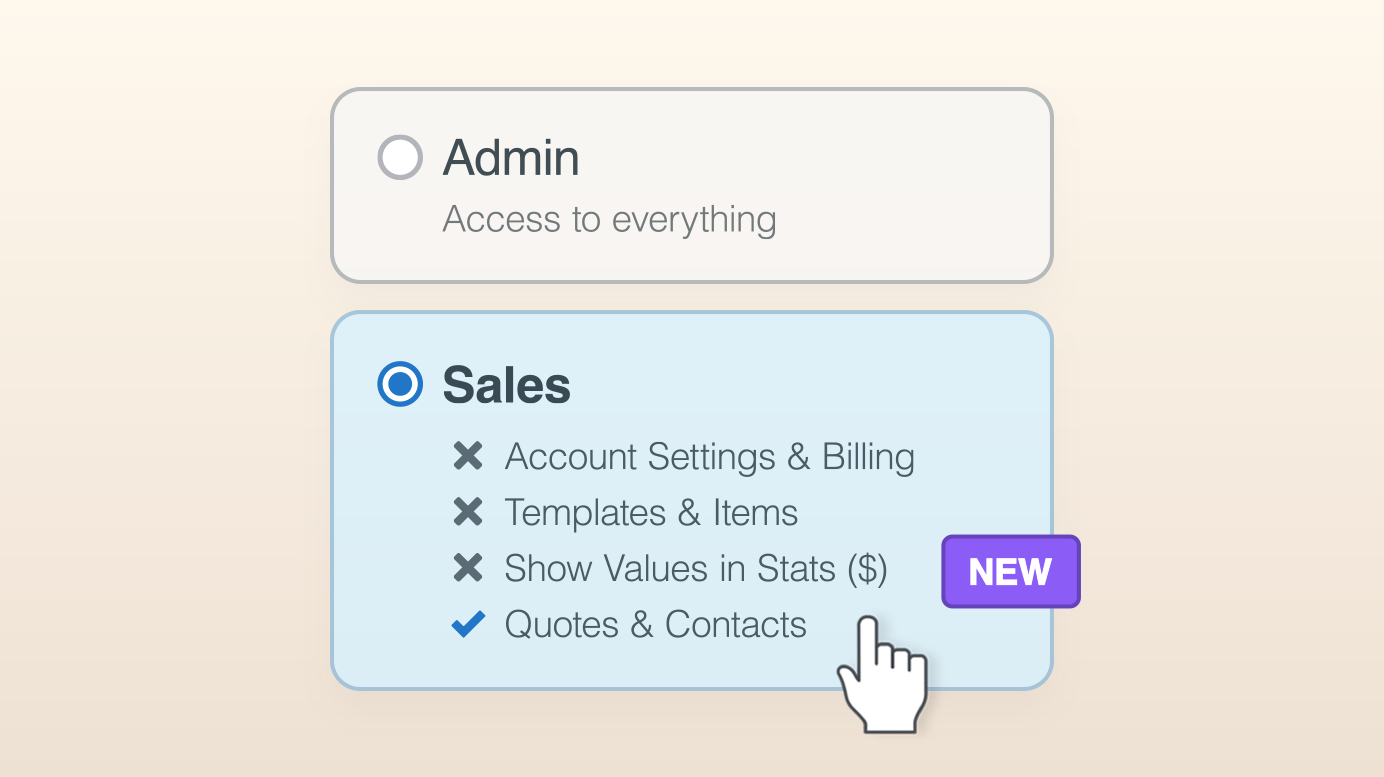
Introducing Team Member RolesNew
Create your own Team Member Roles, control who sees what, hand Quotes over cleanly when someone leaves, and find Quotes from Past Team Members.
October 14, 2026
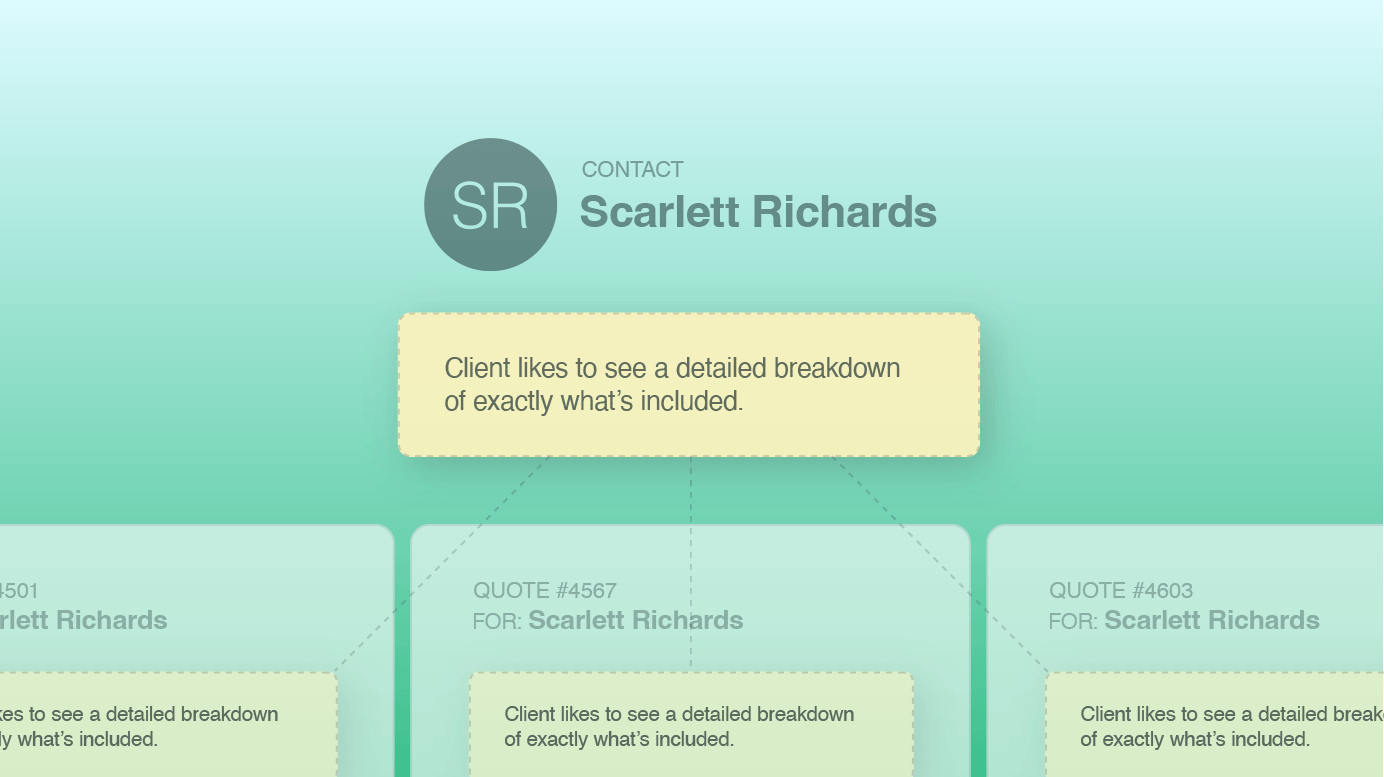
Add a Private Note to a Contact and It Surfaces on All Their Quotes
Private Notes in Quotient can now be applied to a Contact, surfacing automatically on every new quote for that customer. The important details, always in view.
September 10, 2026
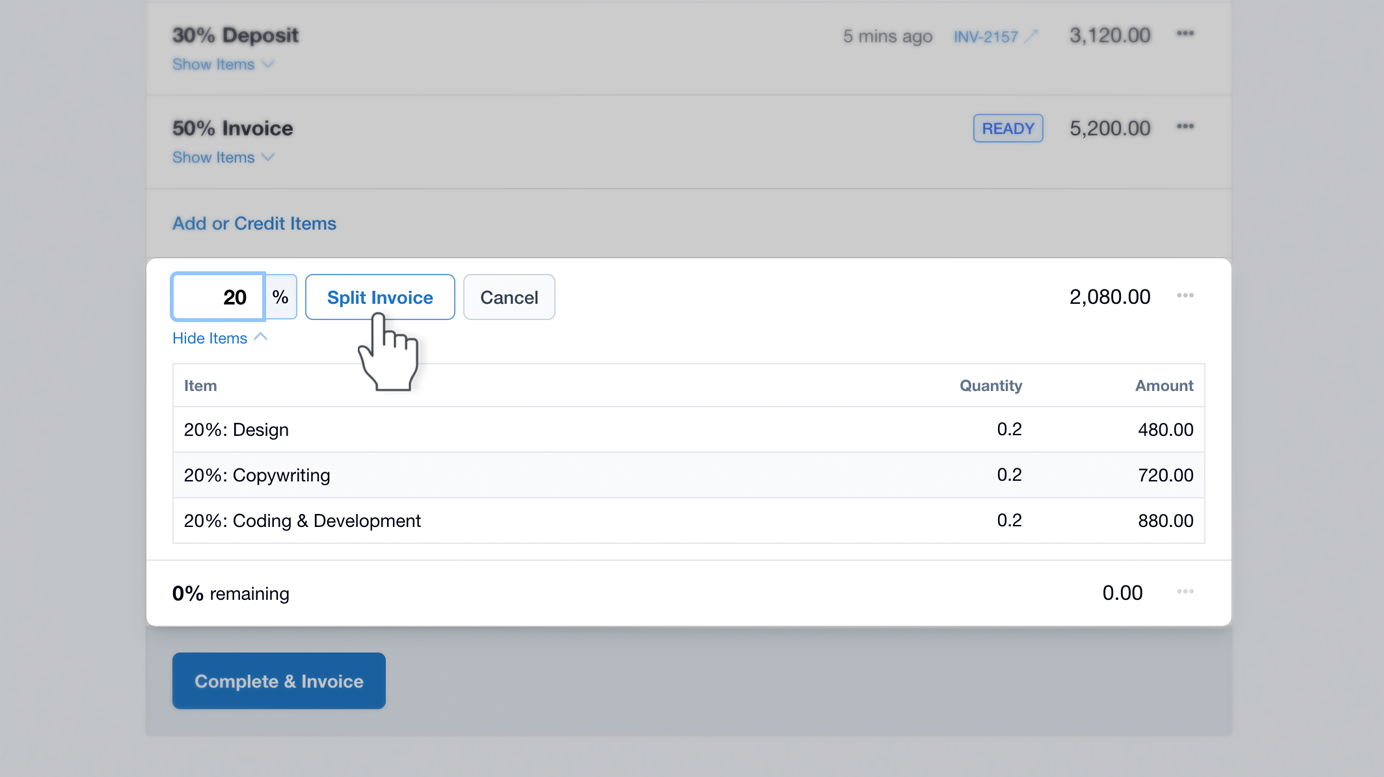
Why Progress Invoicing by Percentage Beats Line by Line Billing
Progress invoicing by percentage is faster to send and easier for your customer to say yes to. Here’s why it beats billing line by line.
September 1, 2026
What’s Changed in Quotient – August 2026
Recent Quotient updates: clickable Contact Cards on Quotes, Quote Versions now under Overview, clearer Unanswered Questions, Contact-wide Private Notes, and stronger We/Me controls.
August 19, 2026
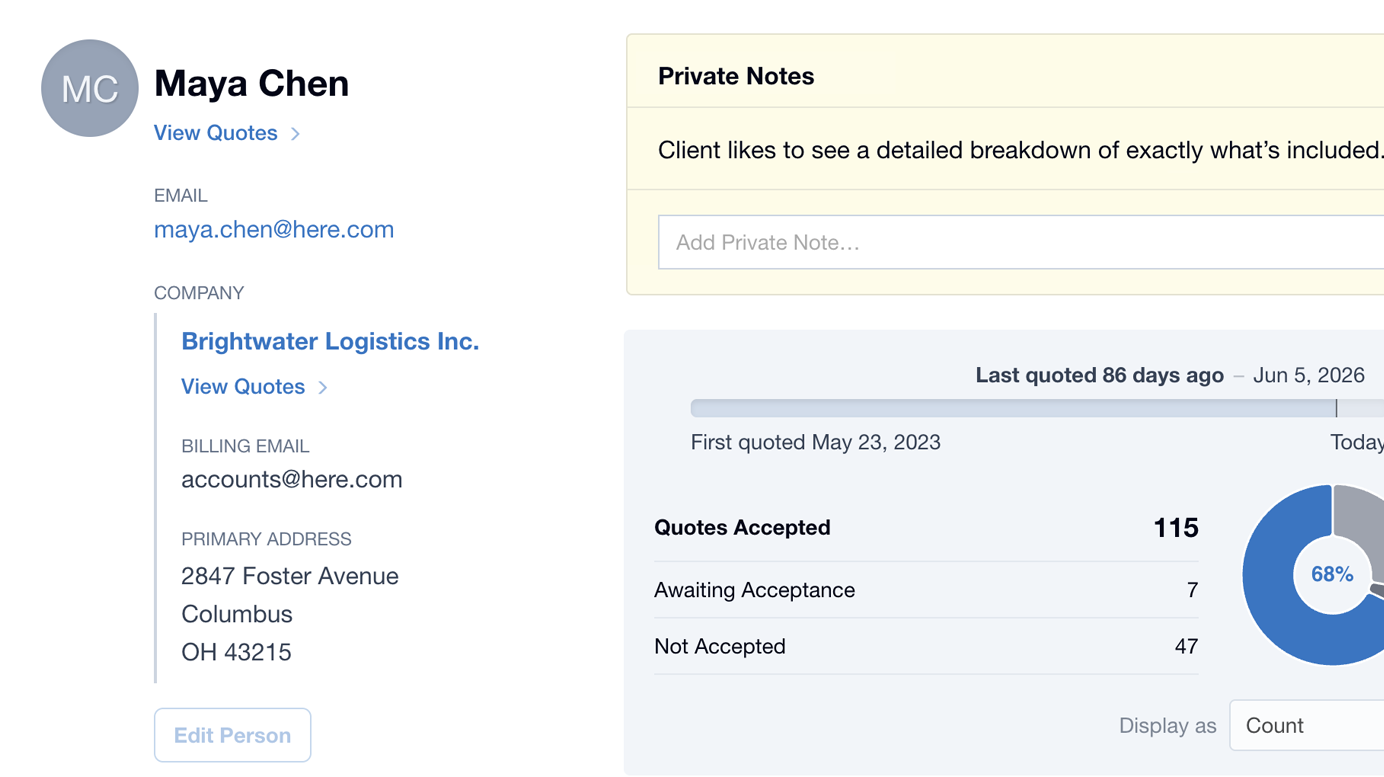
Introducing the New Contact Screen
The new Contact Screen puts every customer relationship in front of you: Private Notes, Company details, and the stats behind every Quote you’ve sent.
August 12, 2026
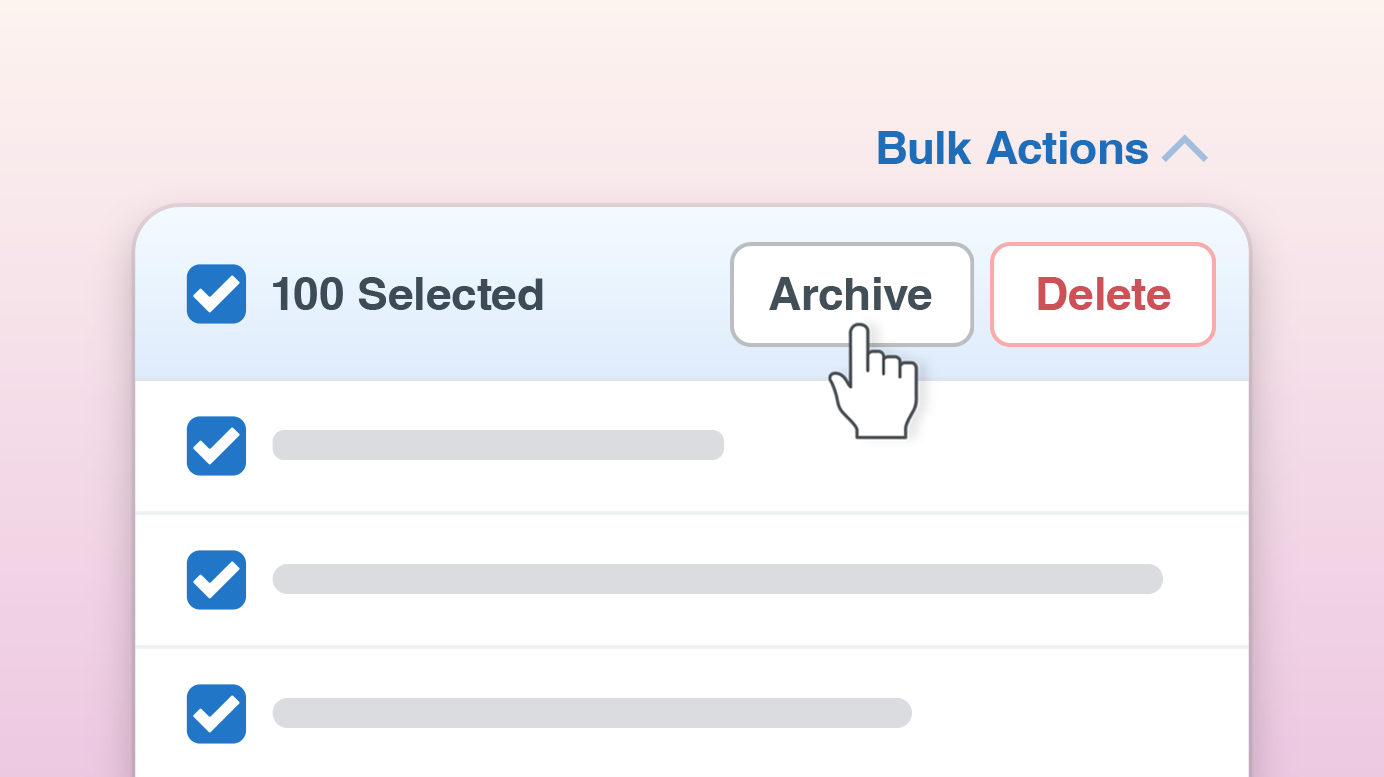
Introducing Bulk Actions
The new Bulk Actions in Quotient make it easy to update multiple Quotes, Items, Contacts, and Leads at once, including sending Quote Follow-ups in bulk.
May 14, 2026
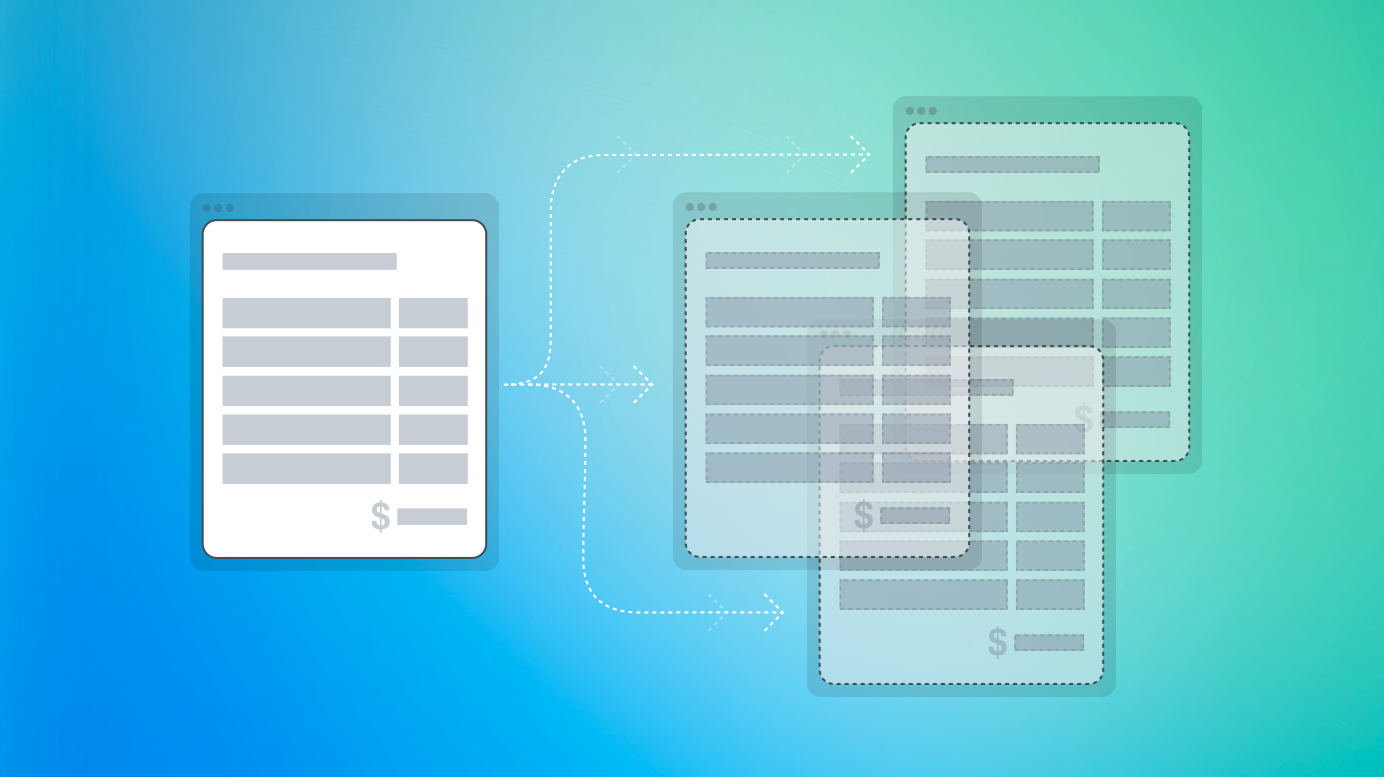
Sharing Templates & Items Across Multiple Quotient Accounts
You can now manage your Templates & Items in one main account and share read-only copies with other connected accounts. It keeps everything aligned, from pricing to wording, and removes the need for manual updates.
March 10, 2026
Hide Declined & Expired Quotes from Customers
You can now control whether customers can view Declined or Expired Quotes – this protects your pricing while still allowing customers to get back in touch if they wish to revisit.
December 16, 2025
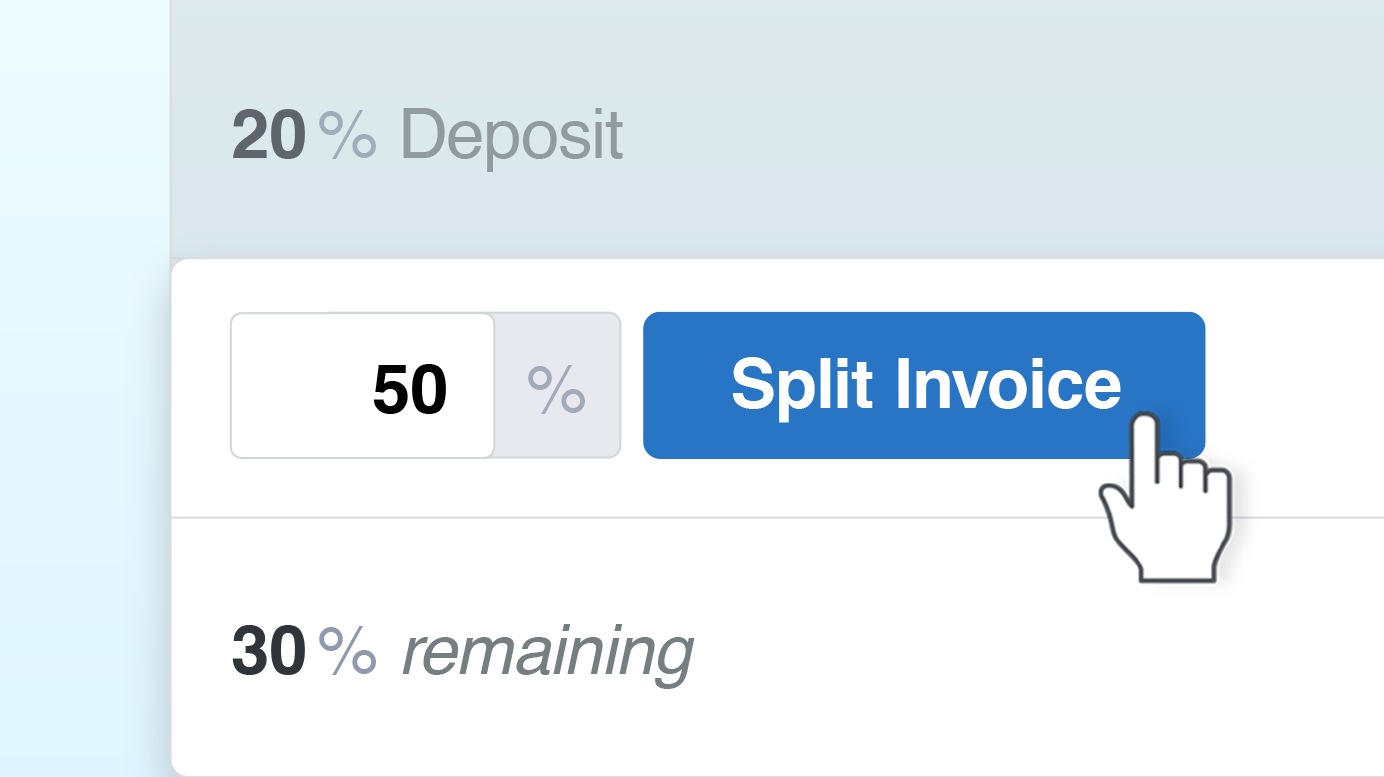
Take Control of Your Invoicing with Quotient
Take control of your invoicing with Quotient’s new features: Deposits, Split Invoices, and Adjustments. Manage cash flow, get paid faster, and streamline your workflow with seamless Xero and QuickBooks integration.
December 9, 2025
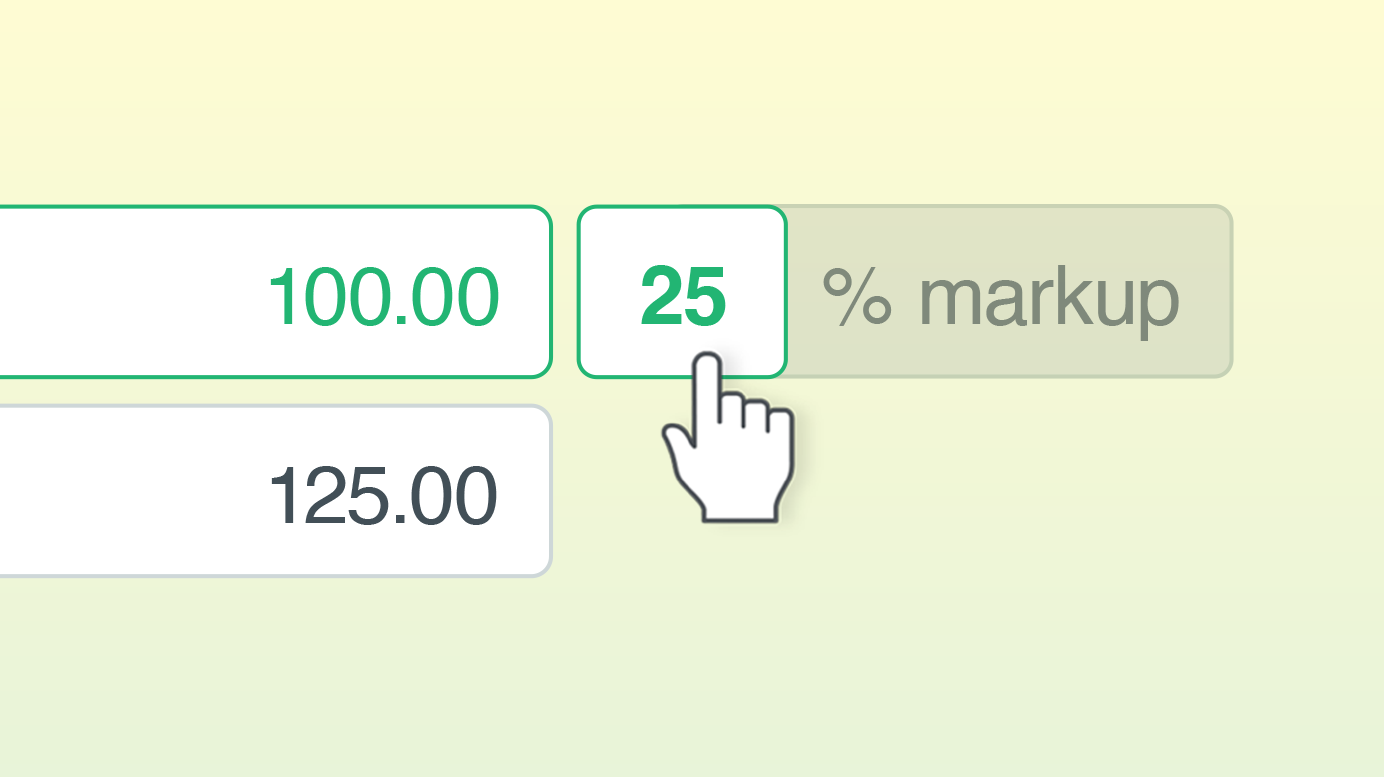
New Option for Calculating Profit: Markup
We’ve added a new way to calculate profit on your quotes – introducing Markup!
November 17, 2025
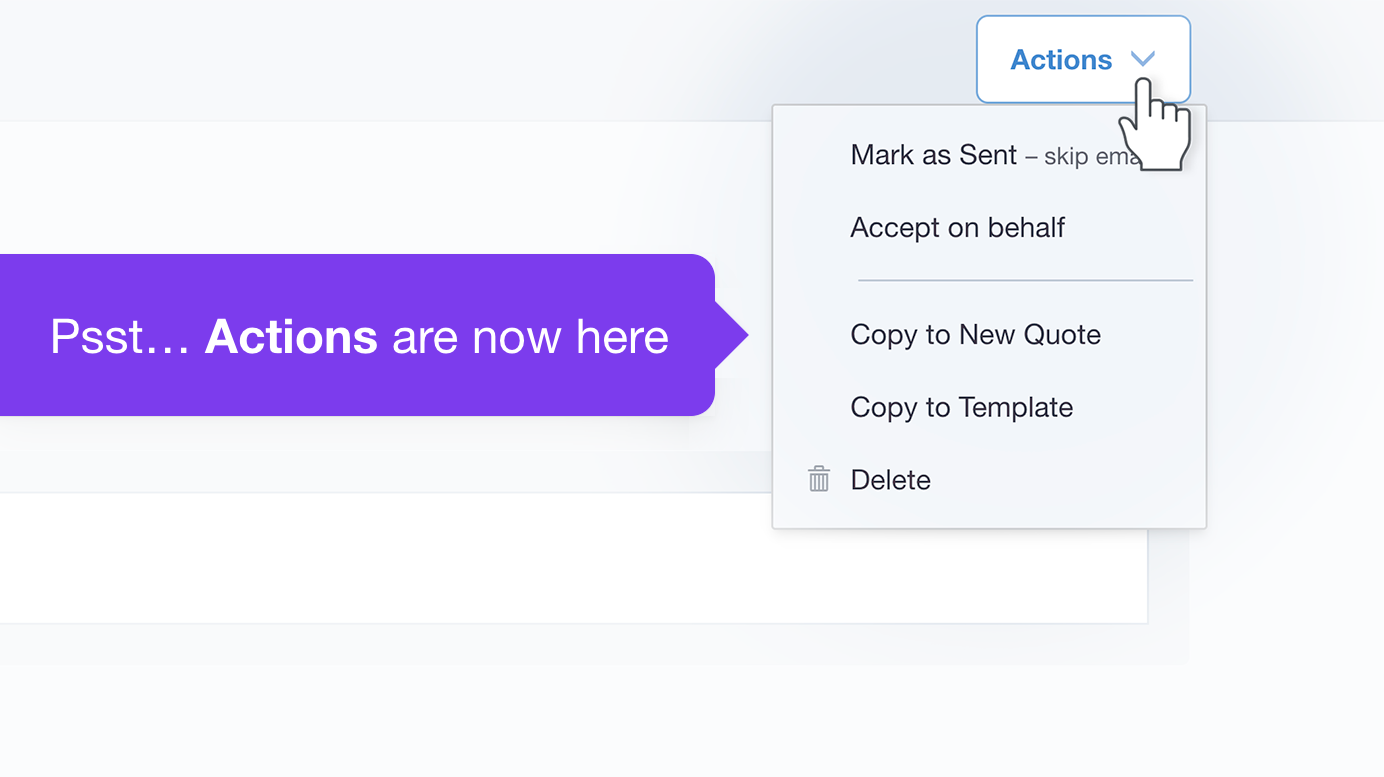
June Updates in Quotient 🎉
These updates lay groundwork for some exciting new features coming soon – including Deposits, Split Invoices, and Adjustments (for Xero or QuickBooks integrations).
June 29, 2025
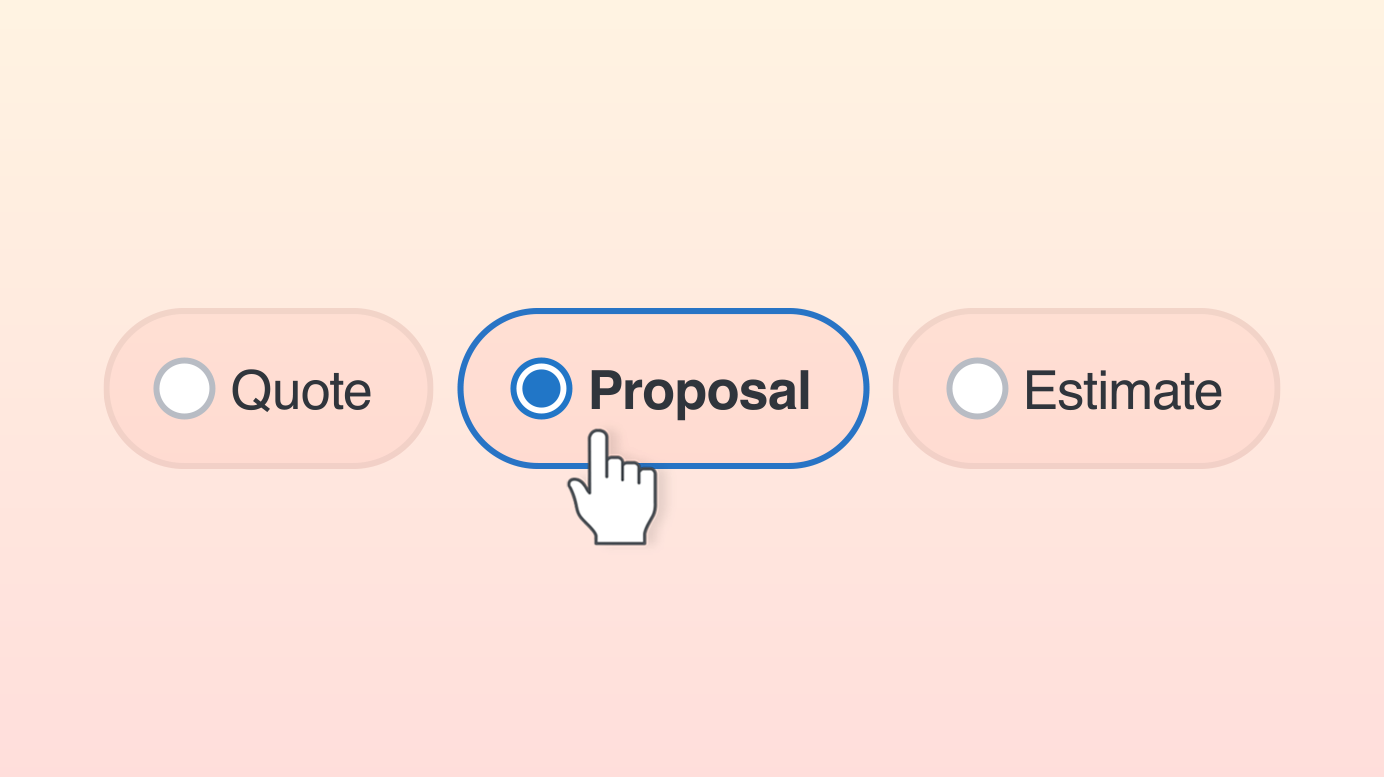
The Right Word Matters: Quote, Proposal, or Estimate?
Depending on your business or industry, it might be more appropriate to send your customers a ‘Proposal’ or an ‘Estimate’, rather than a ‘Quote’.
September 12, 2024
Quote Versions Now Available!
Introducing Quote Versions! Making changes for your customers is now a breeze, as you can easily view and restore past versions.
May 7, 2024
Introducing ‘Waiting’ – a simple way to prioritize and organize your work
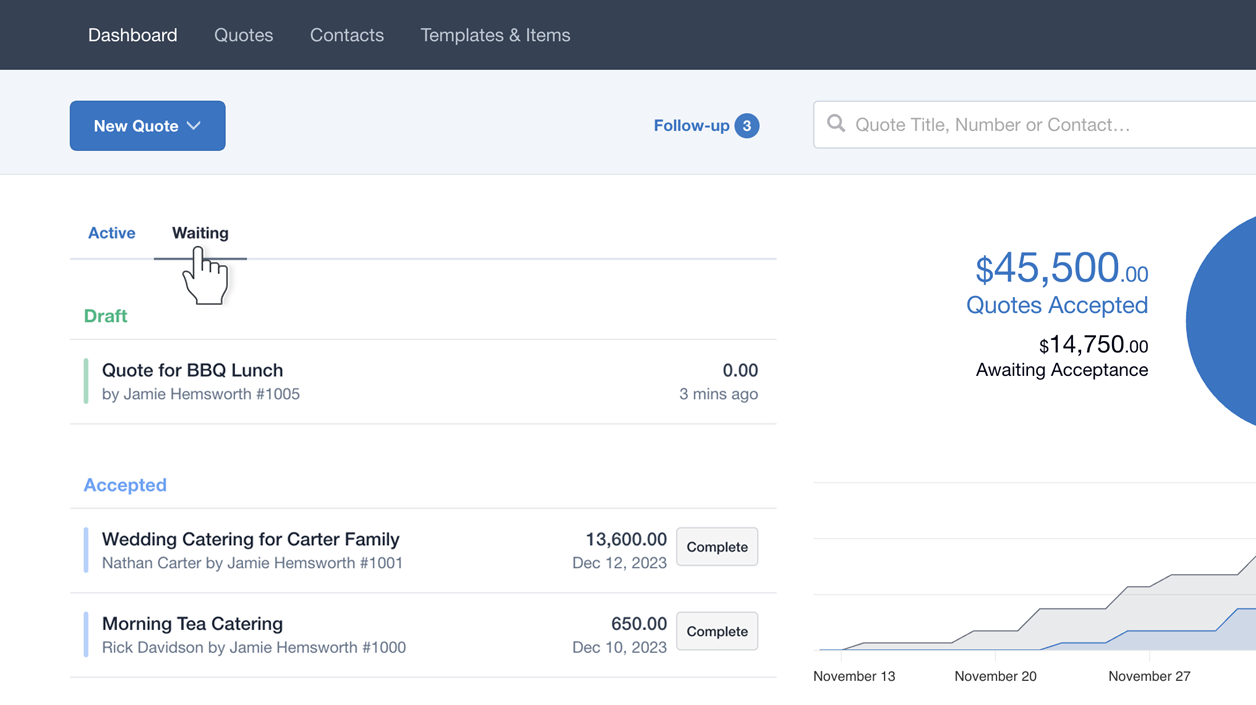
Discover the new way to organize your work with ‘Waiting’, learn when to use ‘Complete’, and hear how different businesses are leveraging the new ‘Waiting’ tab.
March 12, 2024
A fresh take on Private Notes
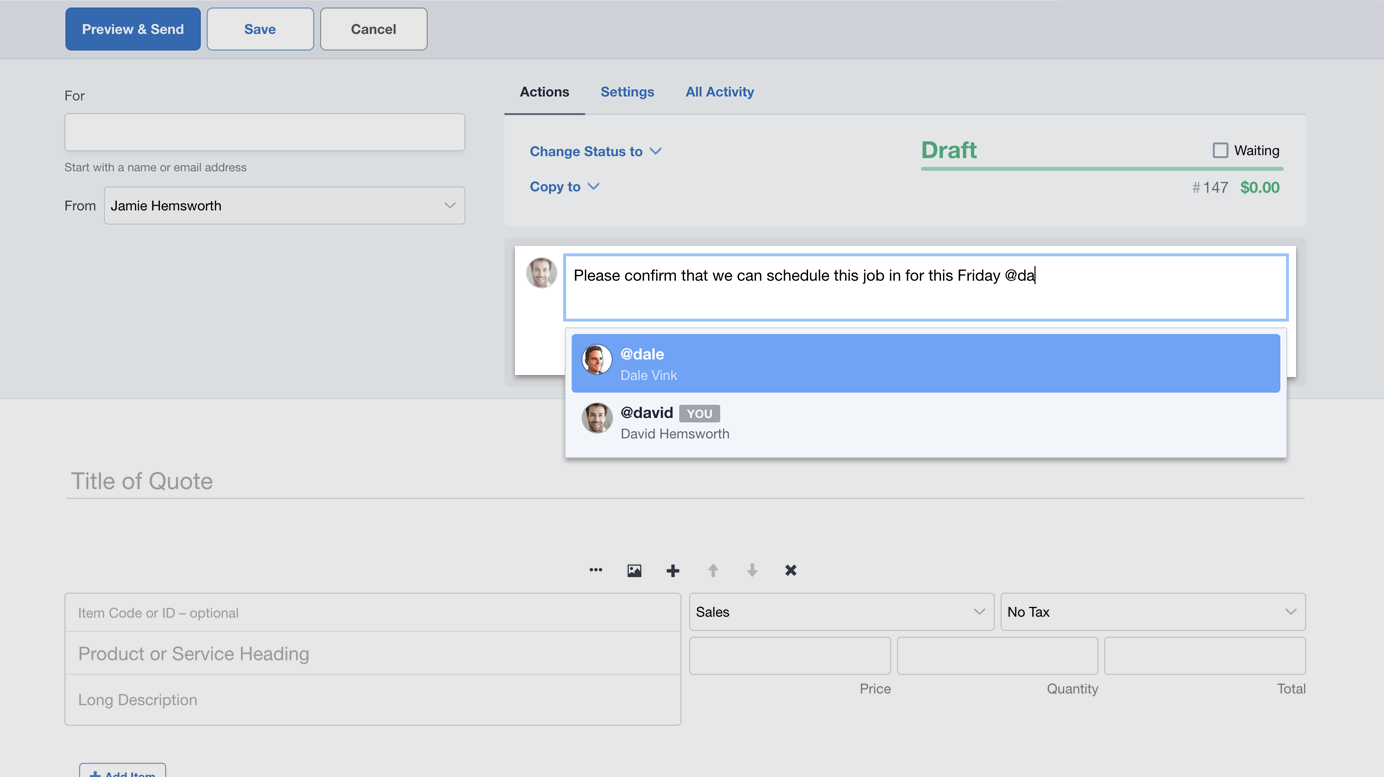
Announcing a range of exciting updates: improved Private Notes, new filtering options for Quotes on your Dashboard, and new Quote status options to help your workflow.
November 11, 2023
New Email Footers – with Company Logo and Your Profile detail
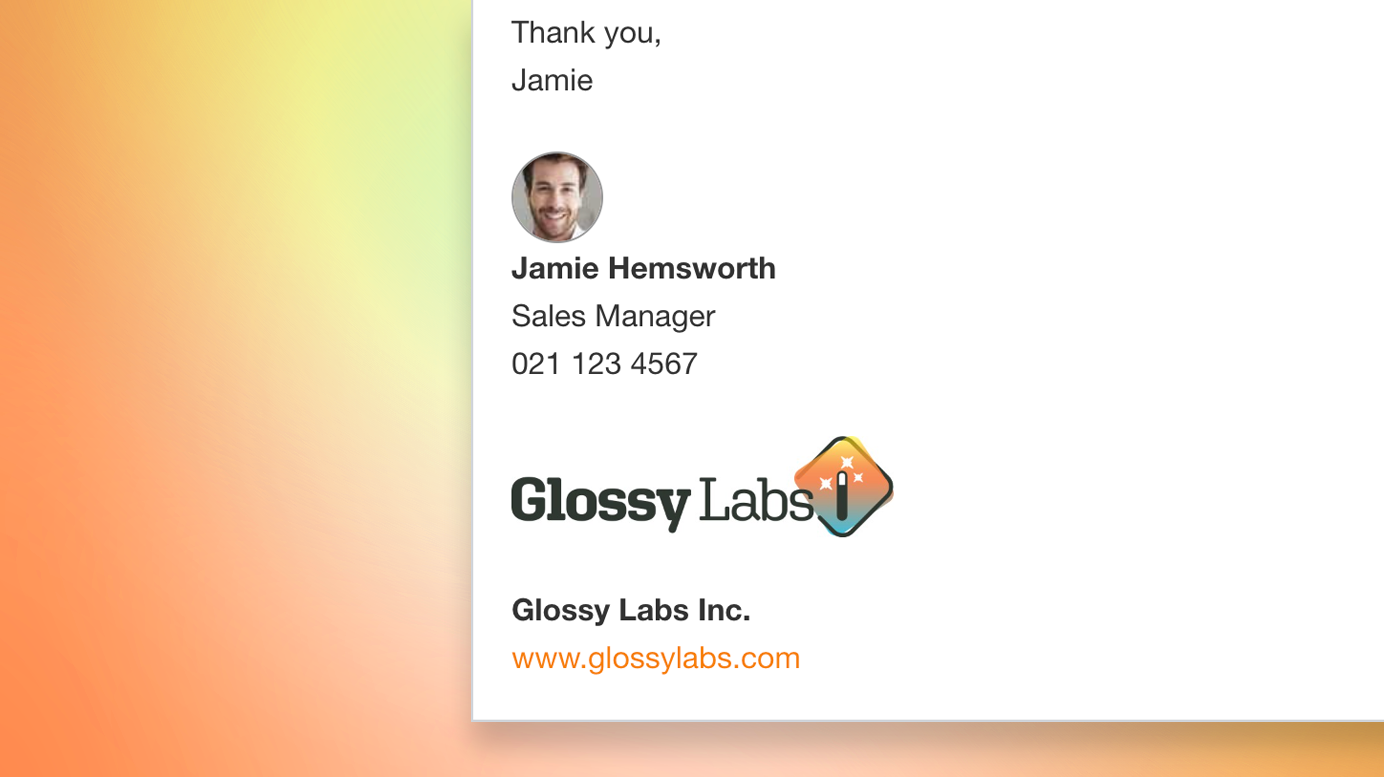
Introducing a brand new feature - the Email Footer - designed to help you sign off your outbound emails in style.
May 15, 2023
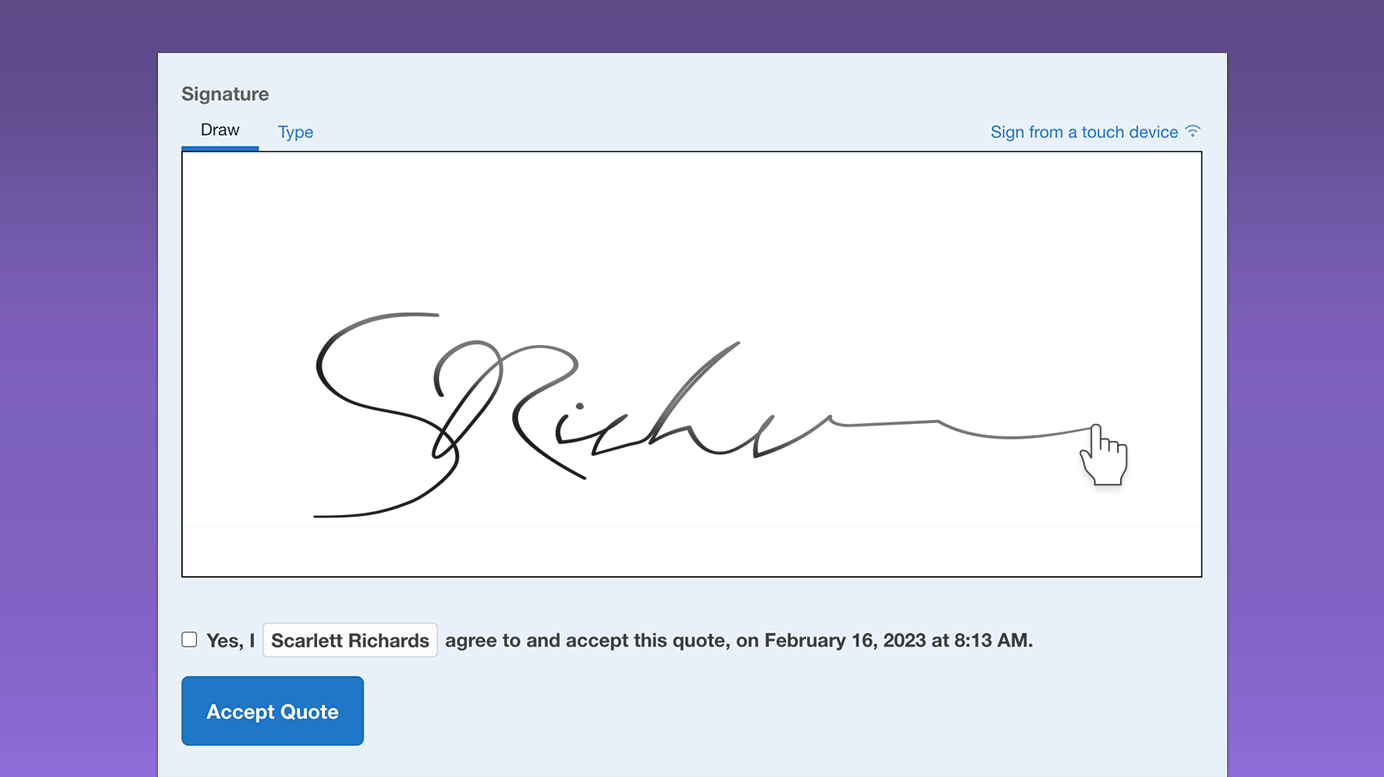
New eSignatures and Acceptance Enhancements
New in Quotient: eSignatures and acceptance enhancements, with a more streamlined and efficient signing process.
March 21, 2023
Level Up: The balancing act of writing great Terms and Conditions
Whether you’re creating a quote for once-off or ongoing work, it’s important to include clear terms and conditions. It can be tricky to include everything important without overwhelming your customer, or relying on wordy legalese, so keep it straight forward and concise for best results.
September 28, 2022
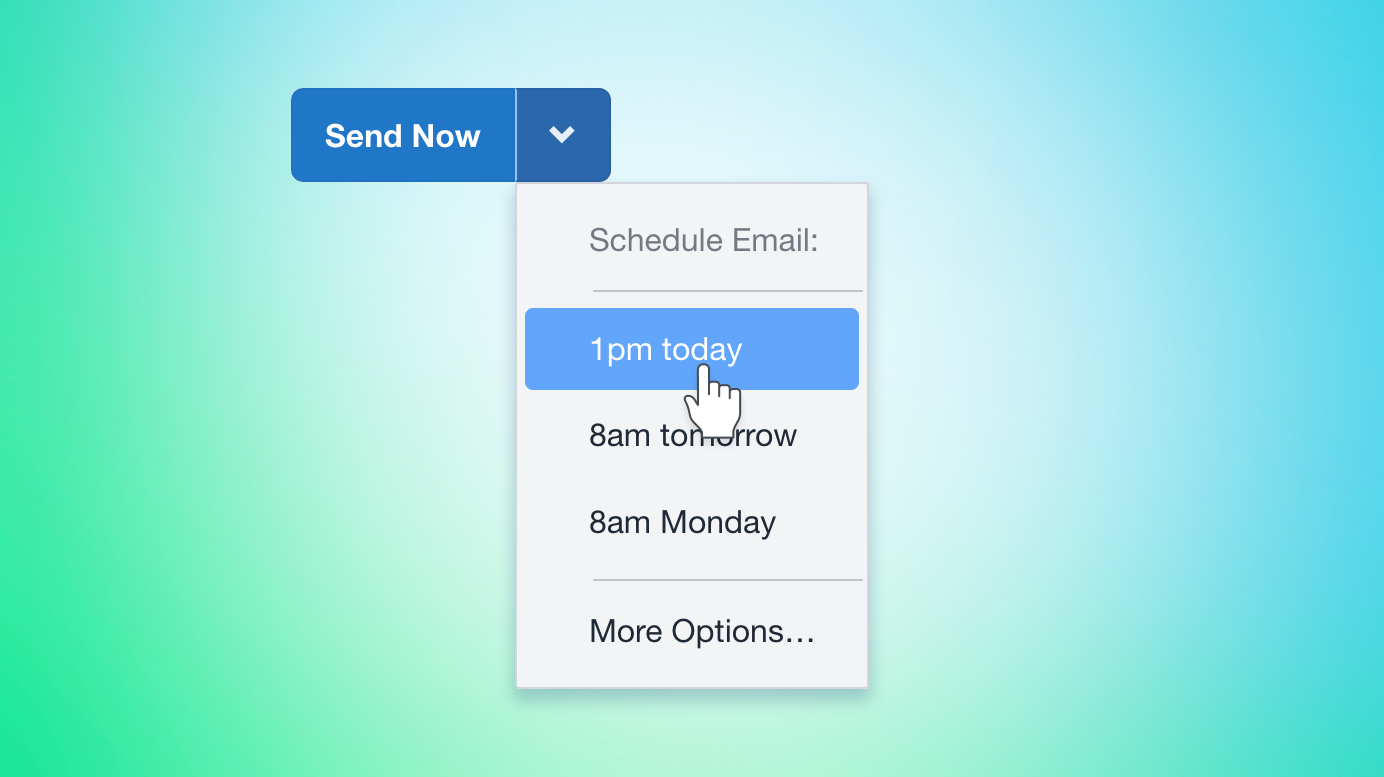
New: Schedule Email
New features: Schedule emails to be delivered at a future time and date. Plus, now whenever an email is sent, you the option to stop it.
June 11, 2022
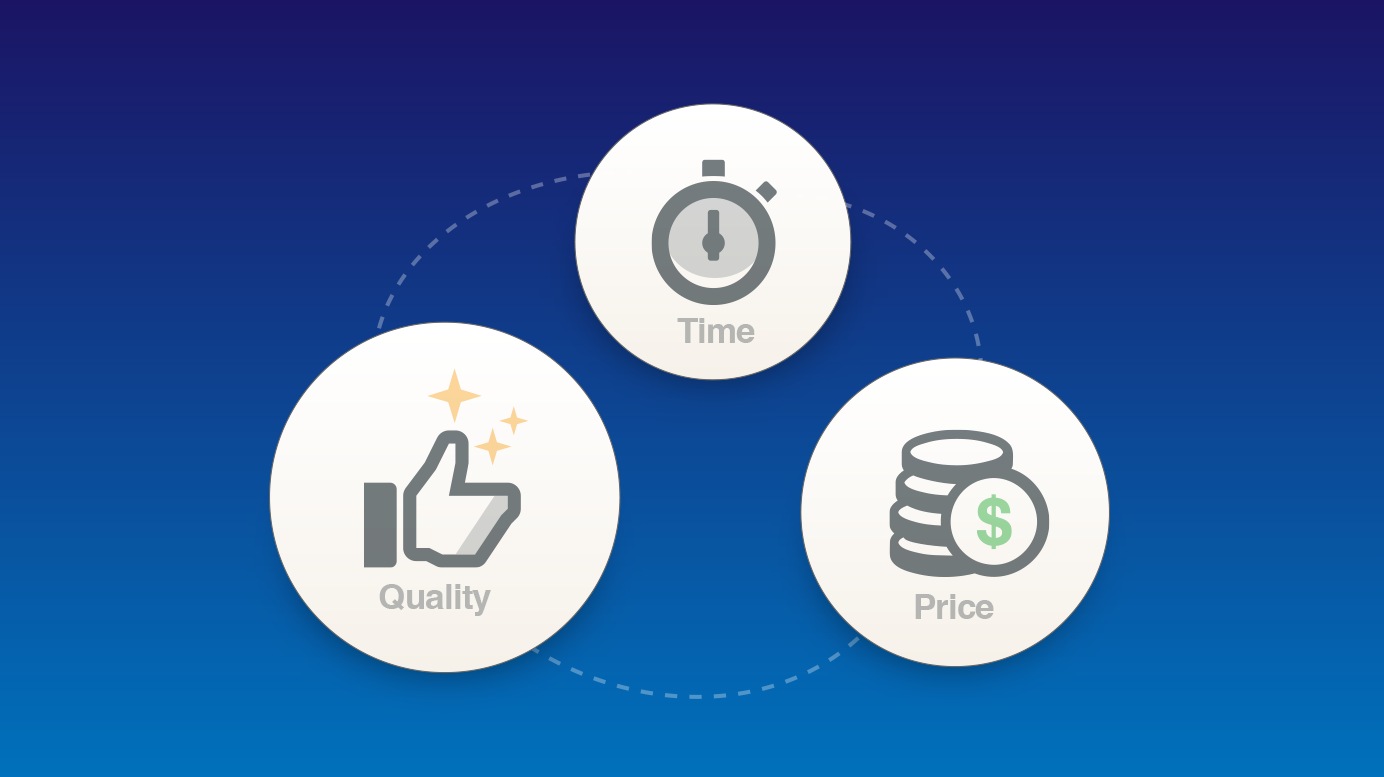
Level Up: Pricing Your Work
There are a range of factors to consider when pricing your work, beyond the cost of materials. Overheads, labour costs, and a fair profit margin are all important considerations. Getting the basics right will help your business stay afloat.
February 8, 2022
Our Biggest Little Update
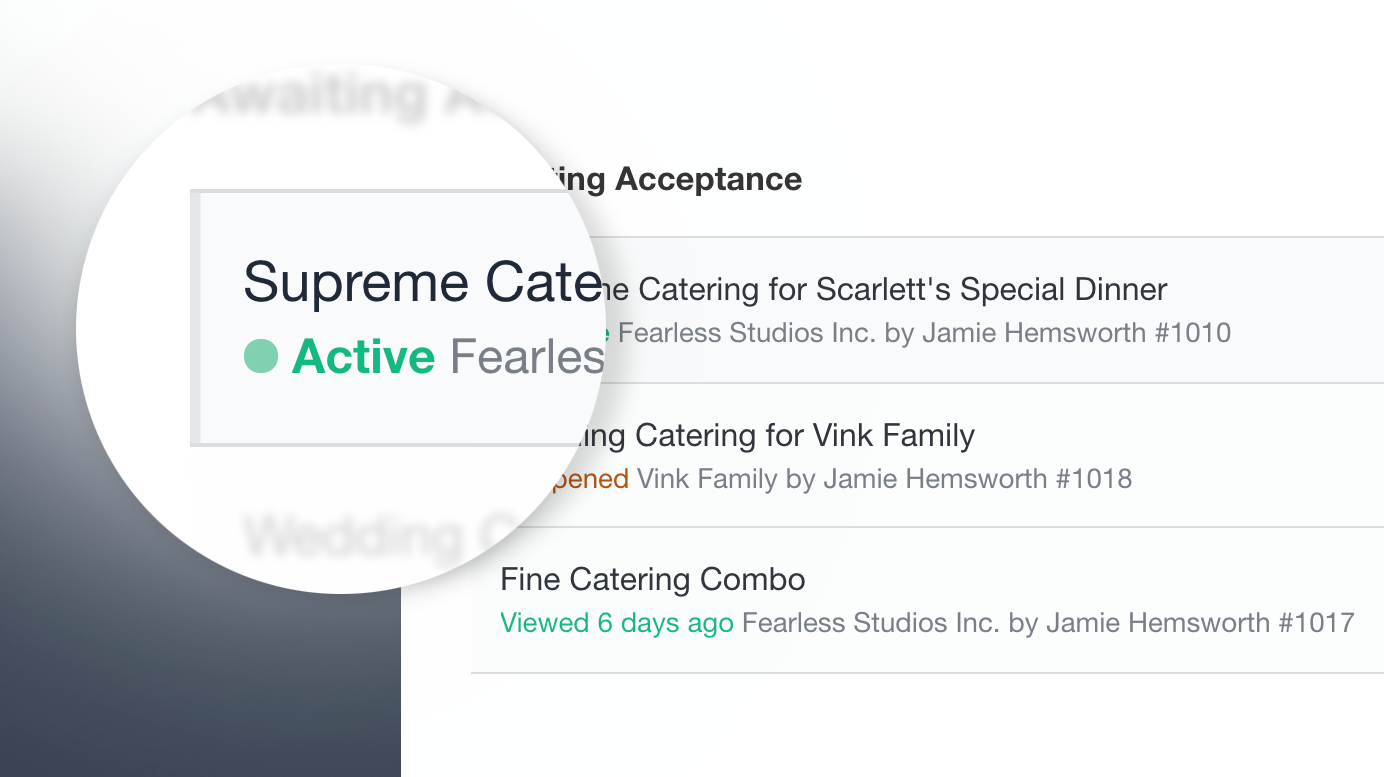
New real-time ‘Active’ status, so you can see when a customer is viewing a Quote live! Name change: Saved Content (previously Templates & Items). Quote editing has been refreshed with a more streamlined process for sending Quotes.
December 4, 2021
Refreshed Quote Edit, with many enhancements
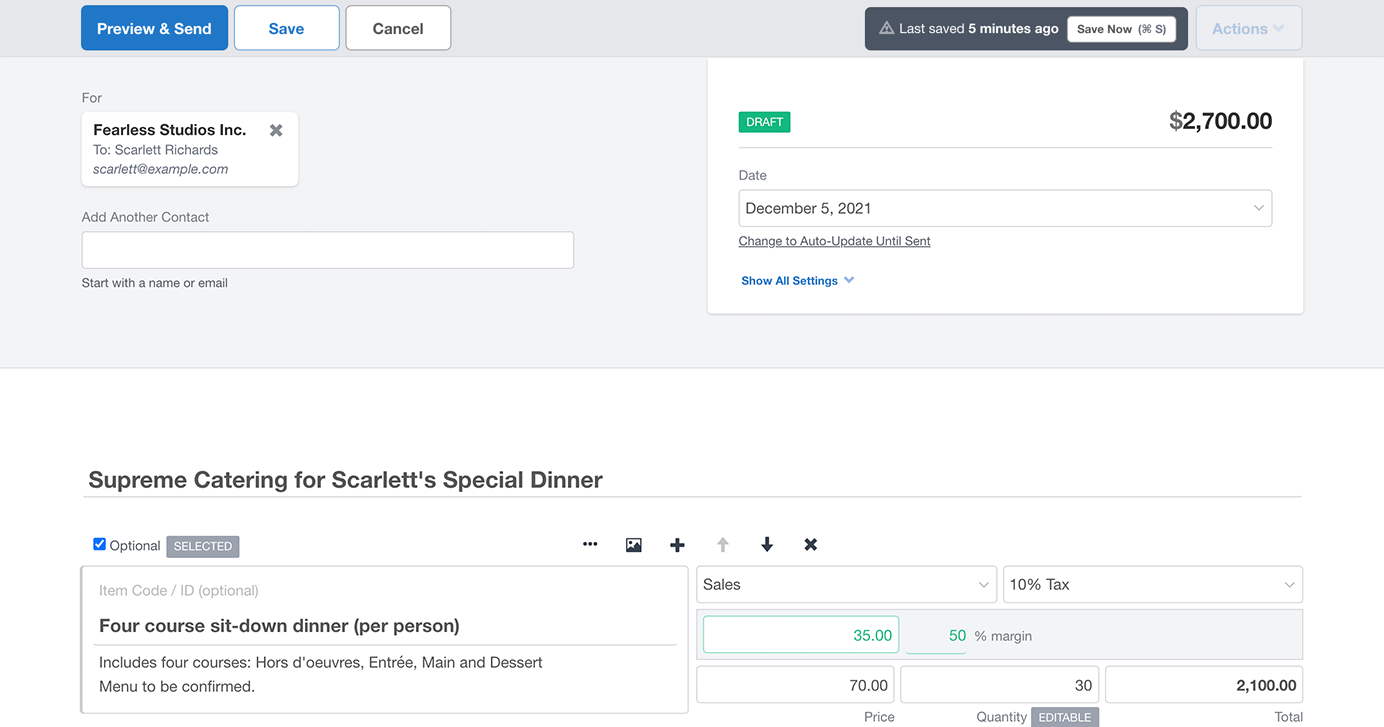
Introducing a refreshed Quote Edit screen, with the ability to Duplicate Items, adjust the Margin Percentage, a new Calendar Date Picker, and a more streamlined process for sending Quotes.
December 4, 2021
Level Up: Five Best Practices and Insider Tips
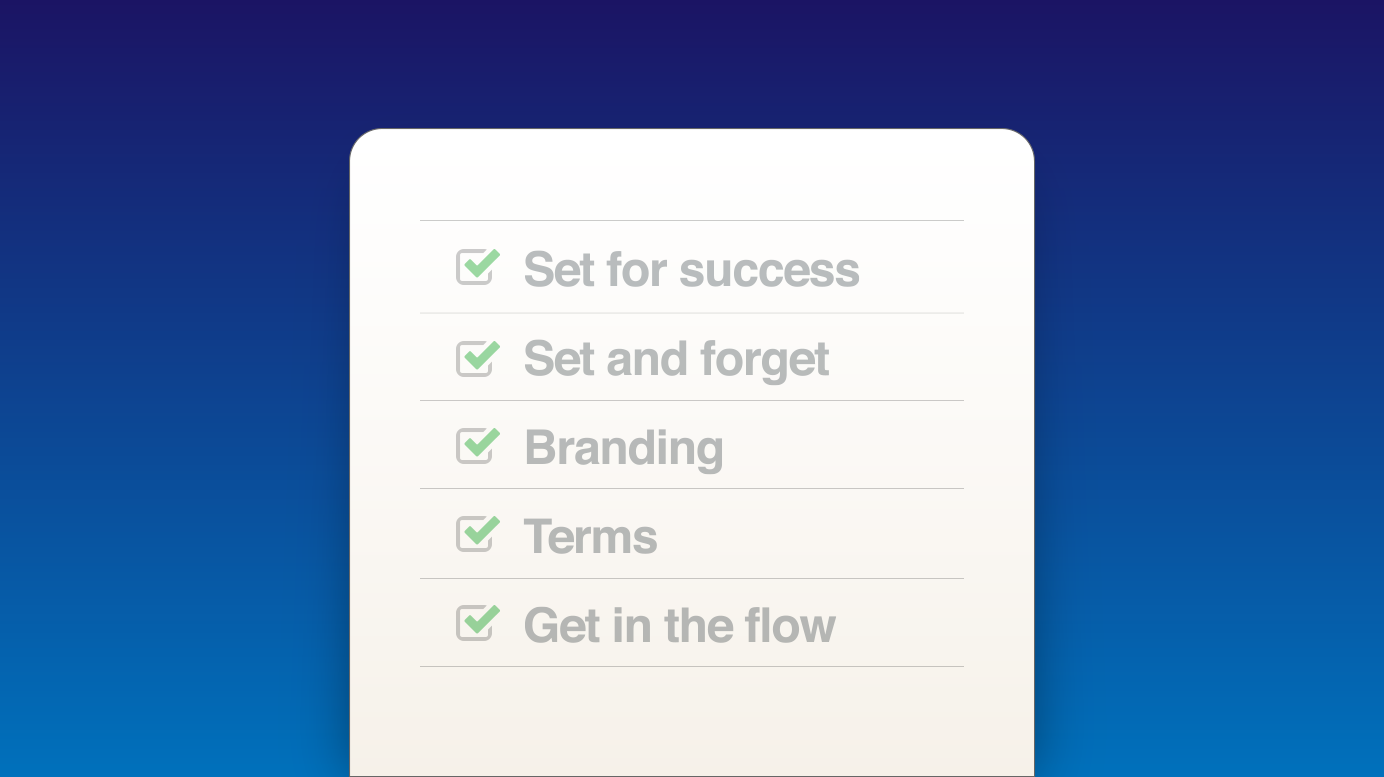
Here are some basic best practices that will serve both your business, and your customer’s needs, and ensure every Quote you send is the best it can be.
October 28, 2021
Update Contact & Resend – the new way to handle incorrect email addresses
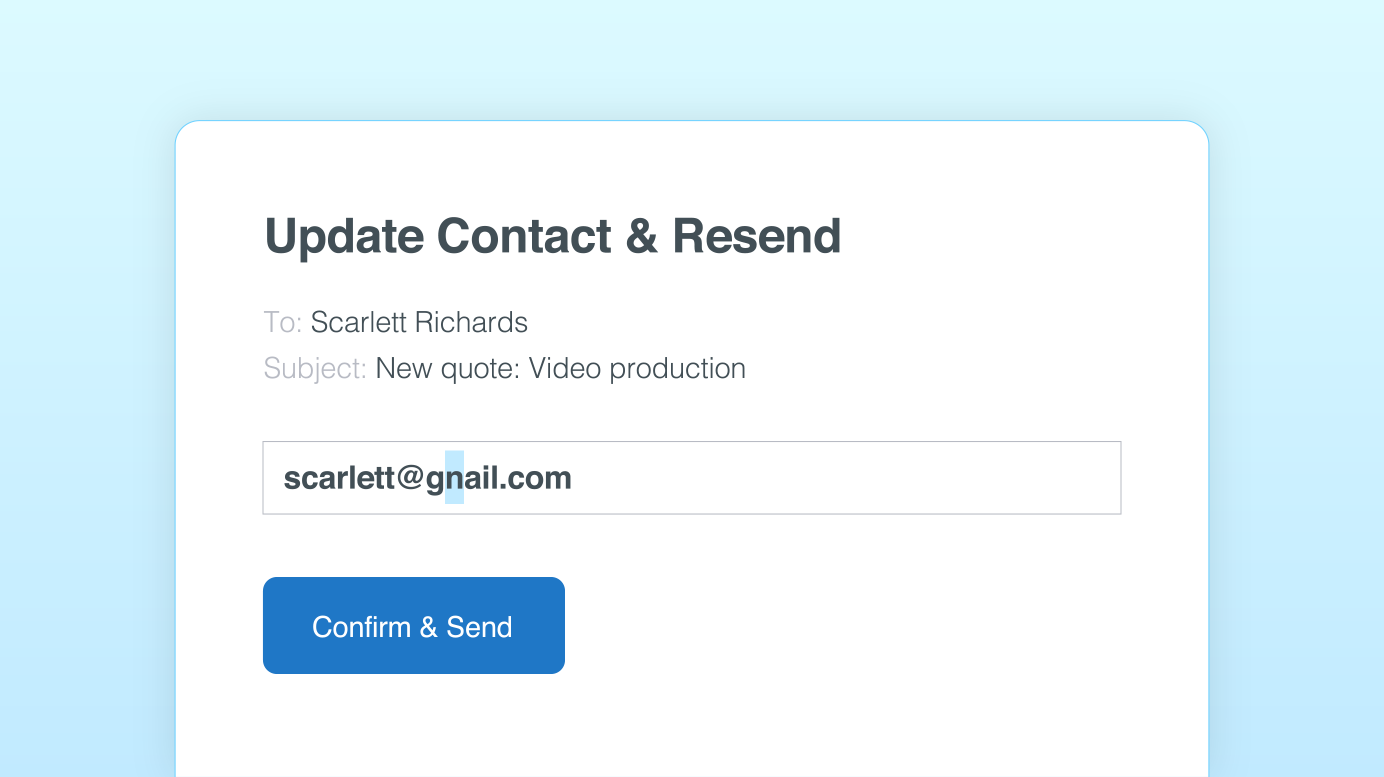
You can now fix an incorrect email address for a contact and resend the quote, in one easy step.
May 17, 2021
Custom Domains for Email, with new and improved authentication
If the email address you use for Quotient is associated with a domain name that you (or your company) owns, you can configure Quotient to send emails from this email address.
April 2, 2021
New: 70+ Quote Examples for inspiration
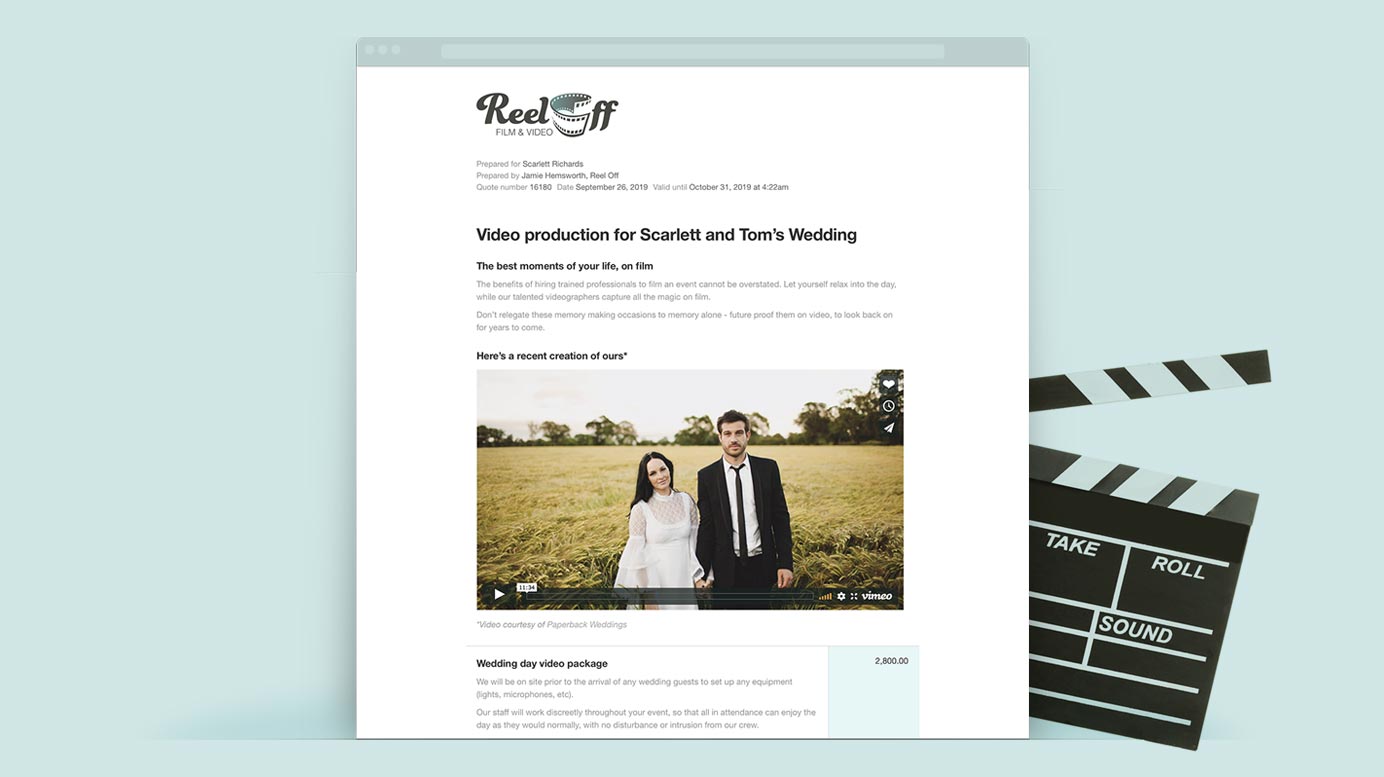
Get inspiration and explore features from our 70+ quote examples
February 29, 2020
New: Two-Factor Authentication for Quotient
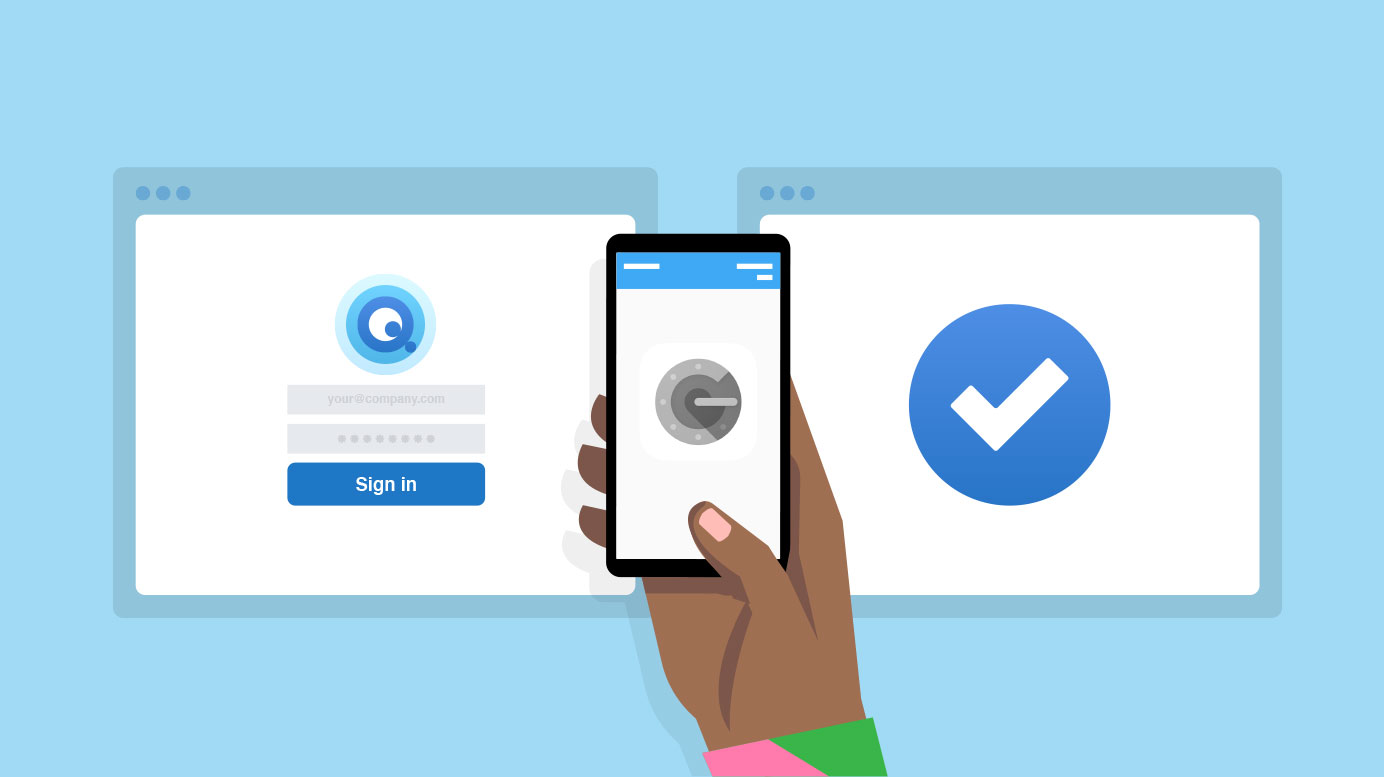
Two-Factor Authentication adds optional security to your account.
March 10, 2019
New: Effortless Reviews
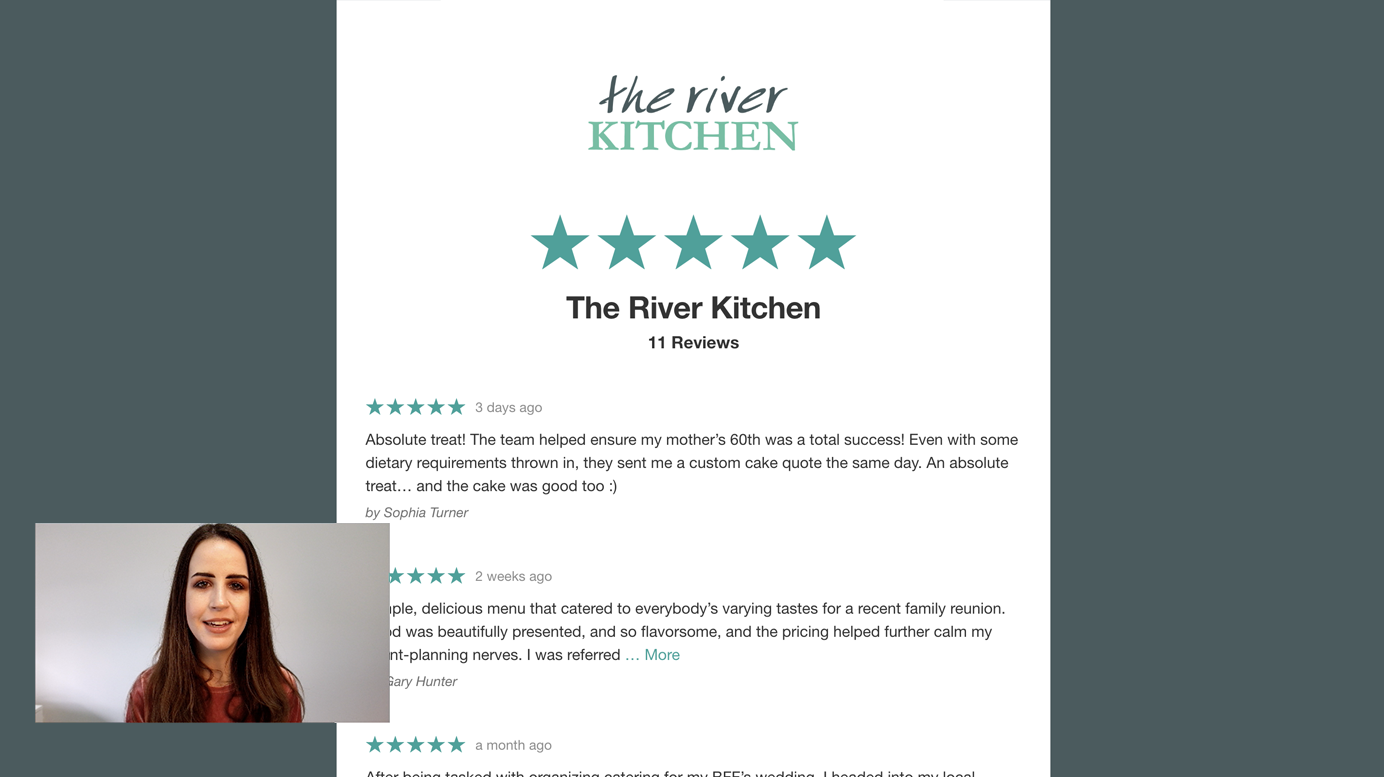
New in Quotient: Collect Reviews & Feedback from your customers. Feature the best Reviews on new Quotes.
August 6, 2018
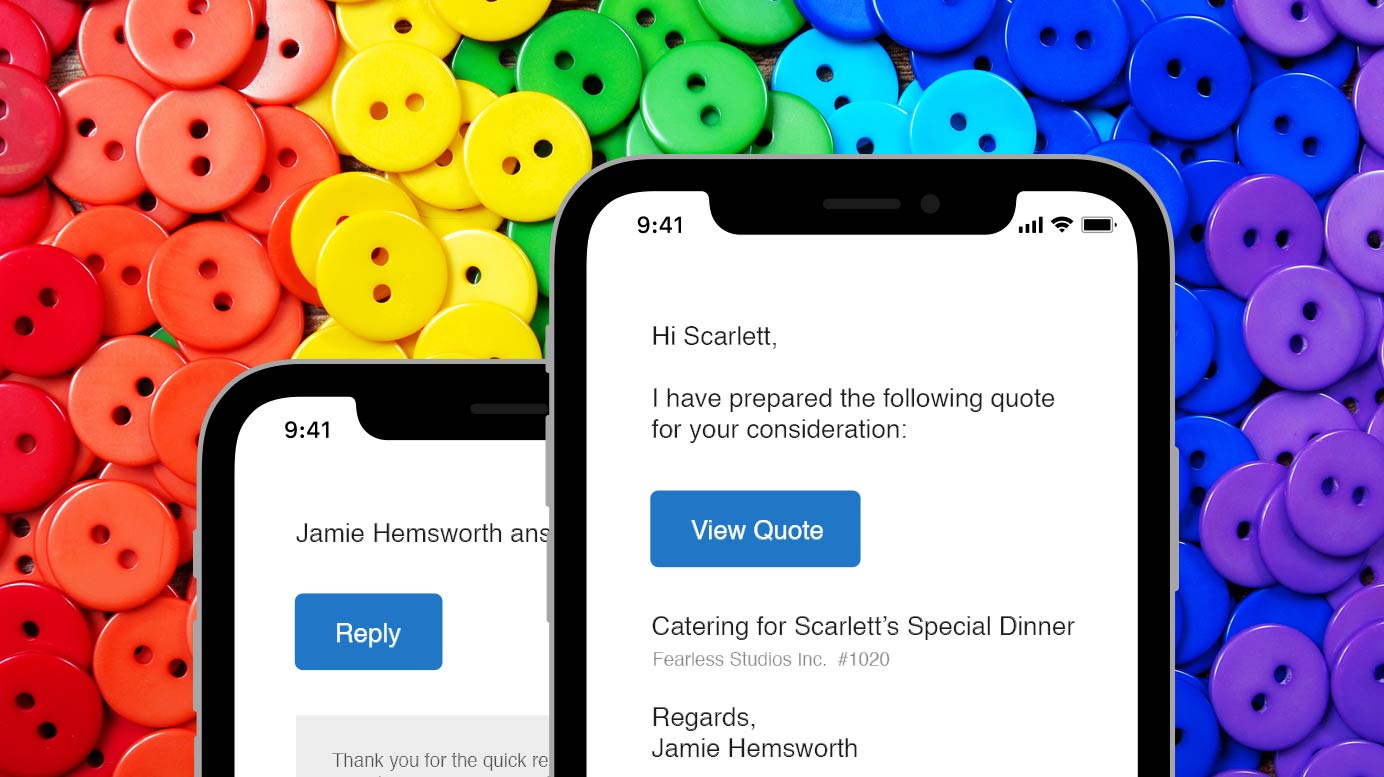
Buttons for Everyone + Quote Viewed Email Notification
Latest updates: All-new buttons (in emails) PLUS the new Quote Viewed email notification.
June 24, 2018
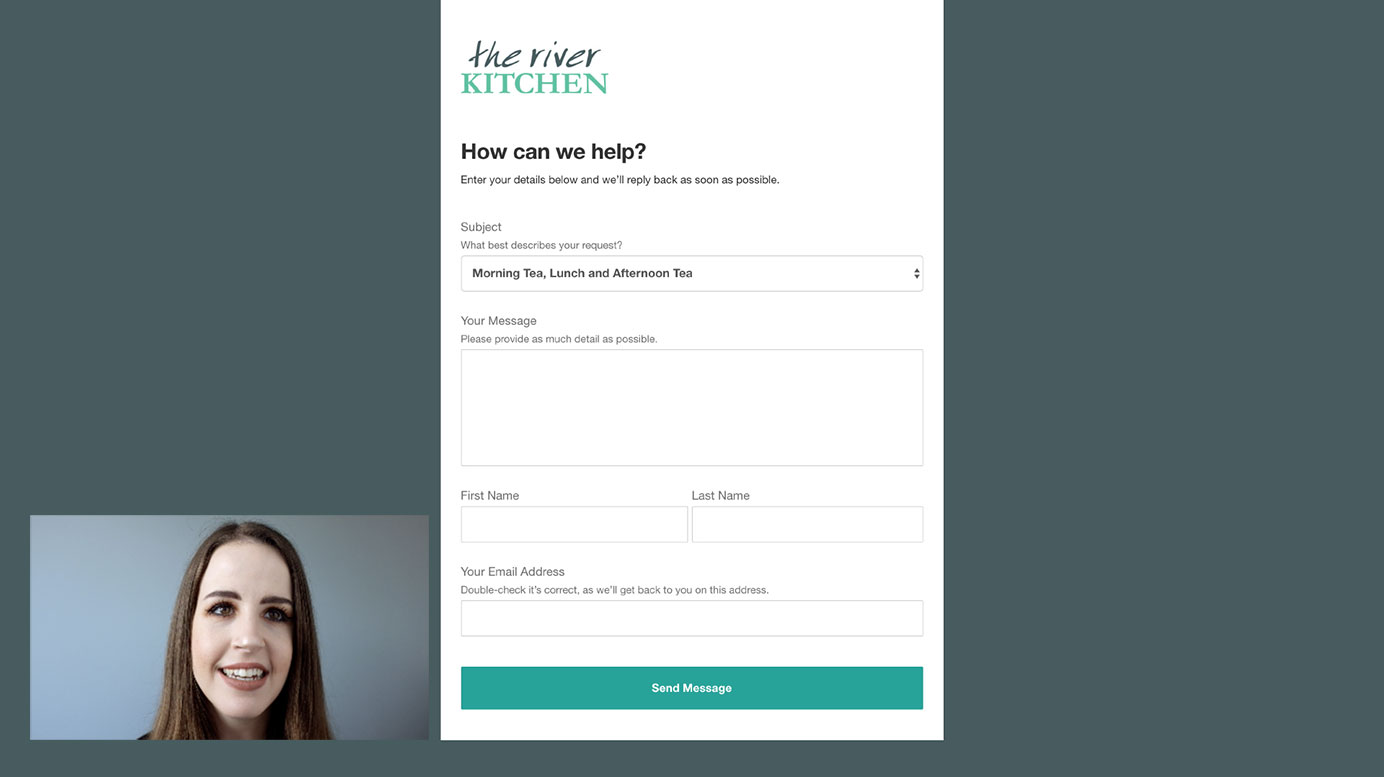
Introducing Leads
Your customers can now send a new request online, directly to you – and into Quotient, ready to be converted into a Quote.
April 8, 2018