
Clicking through to a Contact from a Quote
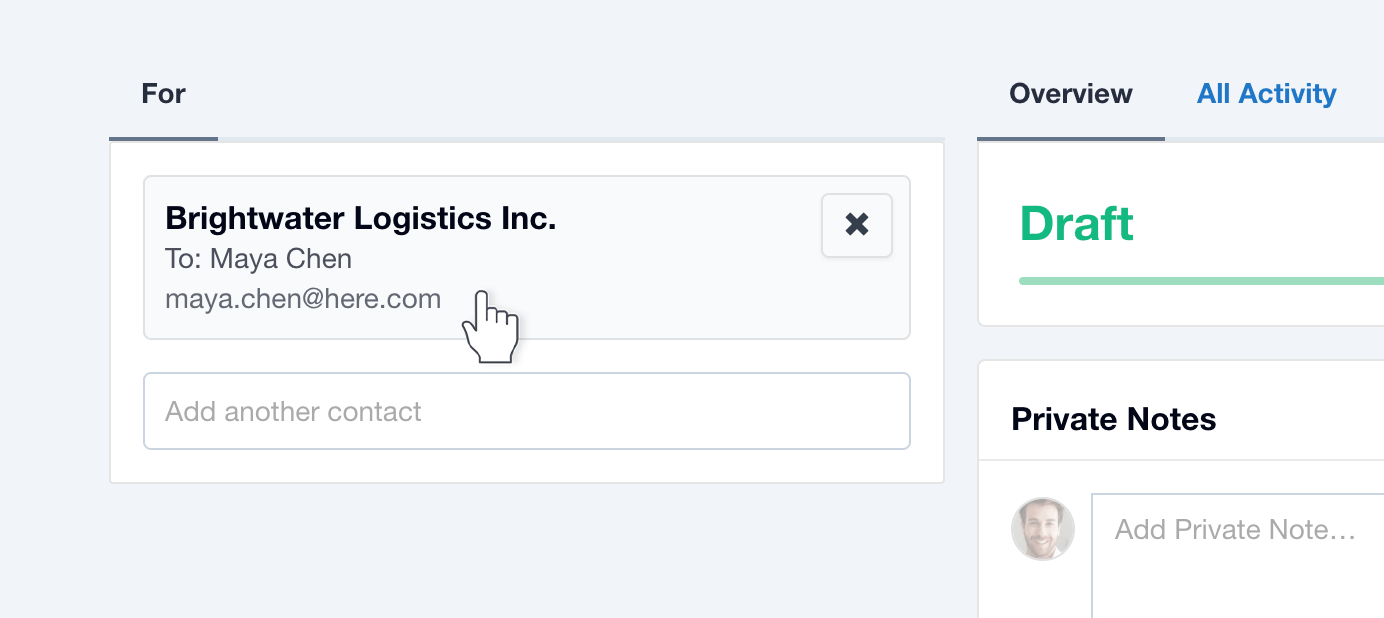
If you need to click through to a Contact from a Quote, the Contact Card (in the top left of the Quote) is now clickable. Previously you would need to click through from the Contact name listed way down below on the Quote.
Quote Versions have moved
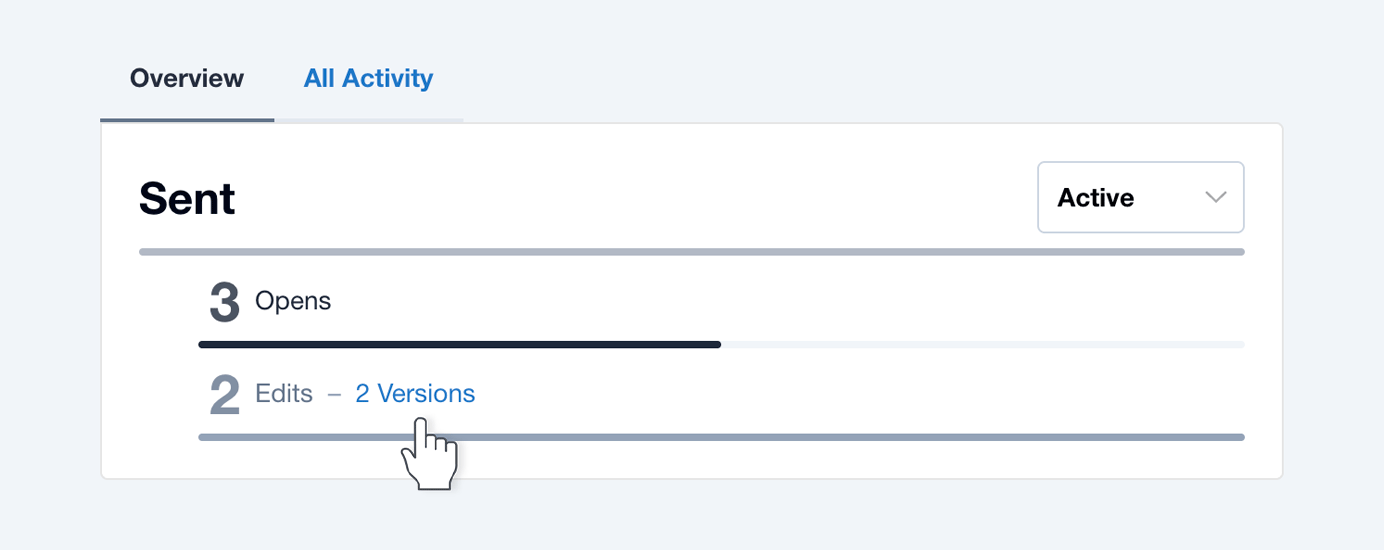
You can now find past versions of Quotes under the (main) Overview tab. Previously these were located under the All Activity tab.
More visibility of Unanswered Questions
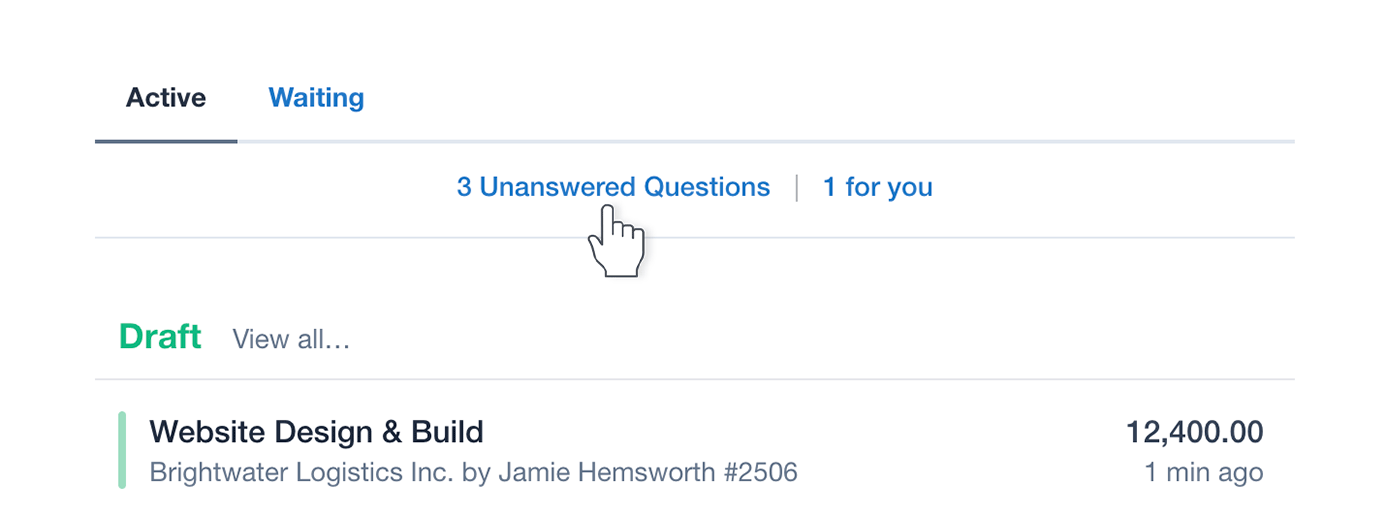
Unanswered Questions for your fellow Team Members now persist as a special notice and count on the top left of your Dashboard.
For your own Unanswered Questions, you will still be notified with Dashboard Messages (over on the right). These can now be actioned with the “No Answer Needed” button.
There’s now also an “Unanswered Questions” filter (when browsing ‘Quotes’), along with a Bulk Action for “No Answer Needed” if you need to close off old questions.
A NEW Private Note type for Contacts, that applies to ALL their Quotes!
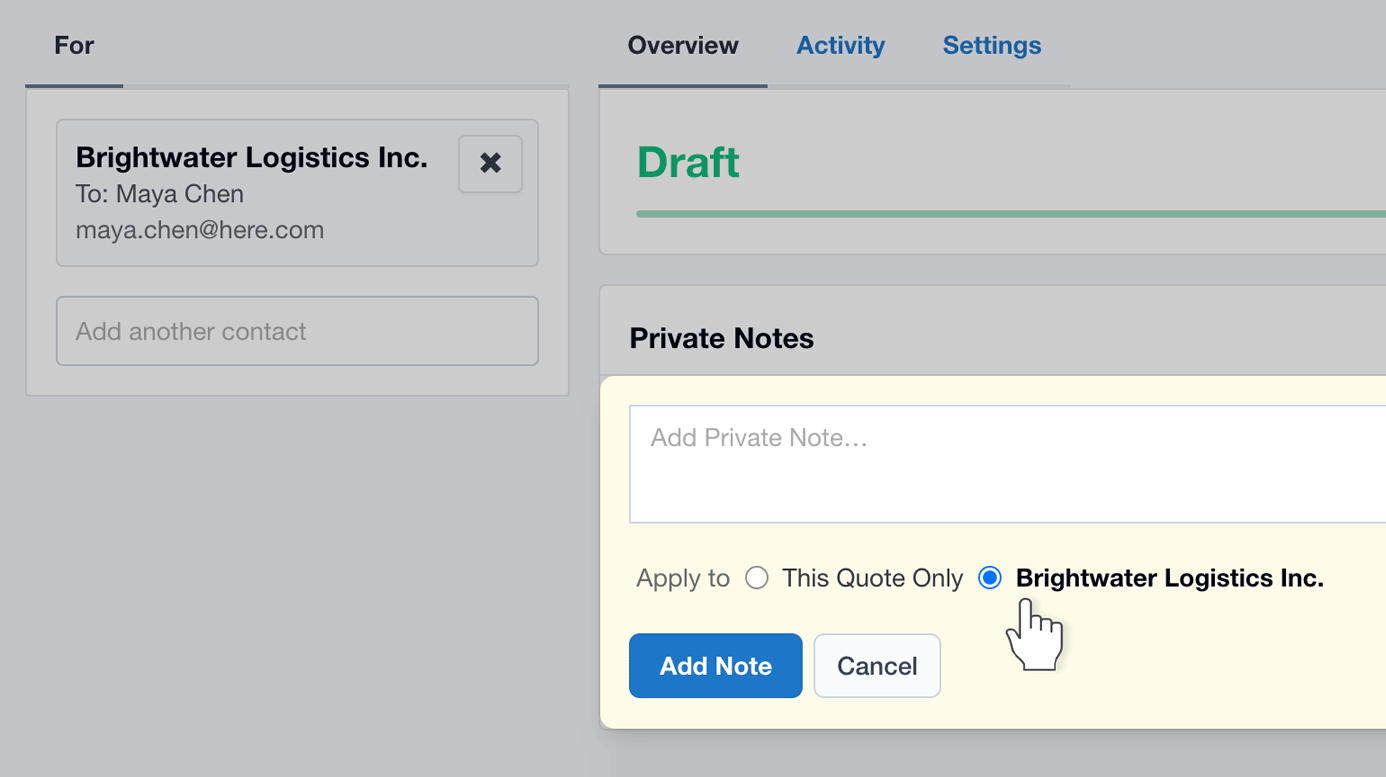
Now when you add a Private Note on a Quote, you have the option to apply it to the Contact, which will make the note “stick” to the Contact AND to all their Quotes.
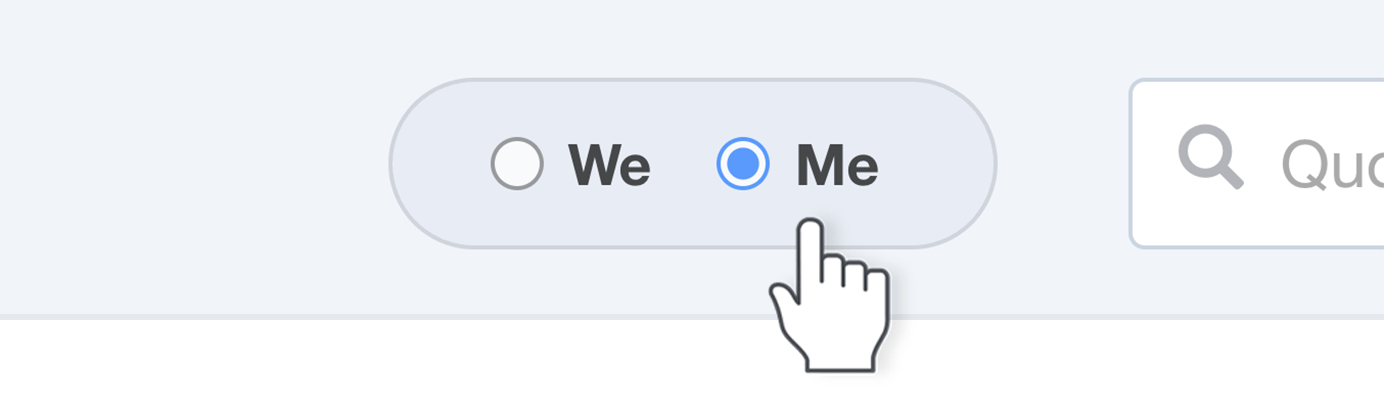
More We/Me control
Your selection here now also drives the Dashboard Stats, along with the Lead and Follow-up Alerts.
We: Everyone’s Quotes, Stats, Open Leads, and Quotes to follow up.
Me: Just my Quotes, Stats, Open Leads, and Quotes to follow up.
For a full list of updates check out the Release Notes. If you need help with anything, please feel free to Contact Support.