
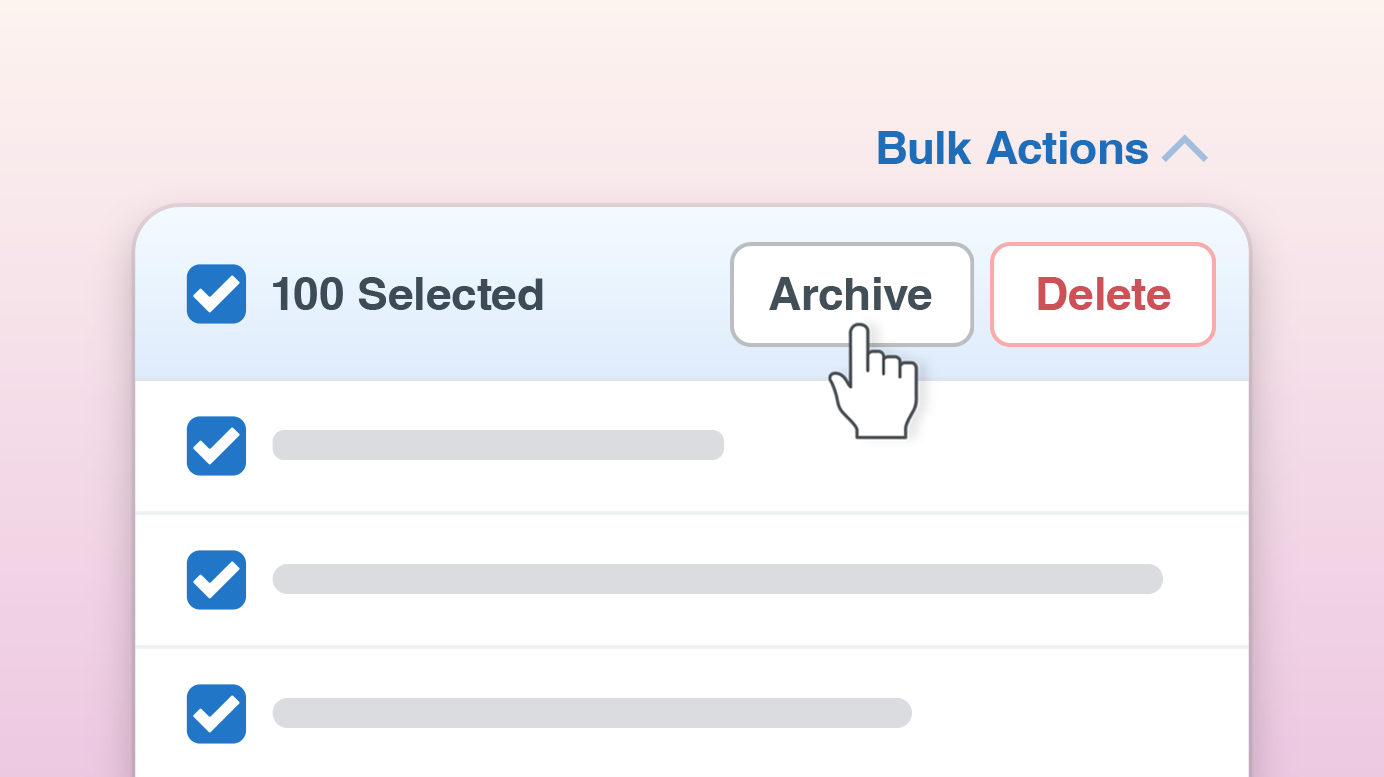
Managing lots of records individually can be slow. Bulk Actions in Quotient make it easy to update multiple records at once.
You can now select several Quotes, Templates, Items, Contacts, or Leads and apply the same action to all of them in a single step. Whether you’re tidying up older data, organising Items, or updating Quote statuses, Bulk Actions help keep everything moving quickly.
Send Follow-ups in Bulk
You can now send Quote Follow-ups to multiple customers at the same time.
Simply filter Quotes that are due to be followed up, select the ones you want, and hit ‘Send Follow-ups’. Quotient will send each Follow-up using the message and settings already configured.
You can also dismiss Follow-ups in bulk if they’re no longer required.
Manage Quotes More Efficiently
Bulk Actions also make it faster to manage Quote statuses.
For example, you can:
- Complete multiple Accepted Quotes
- Move Active Quotes to Waiting
- Move Waiting Quotes back to Active
- Delete or restore Draft Quotes
This is particularly useful when reviewing a list of Quotes and updating several at once.
Tidy Up Templates, Items, Contacts, and Leads
Bulk Actions aren’t limited to Quotes.
You can also:
- Archive or delete Templates, Price Items, and Text Items
- Restore archived or deleted Templates & Items
- Archive or restore Contacts
- Dismiss Leads
These actions make it much easier to keep your account organised without working through records one by one.
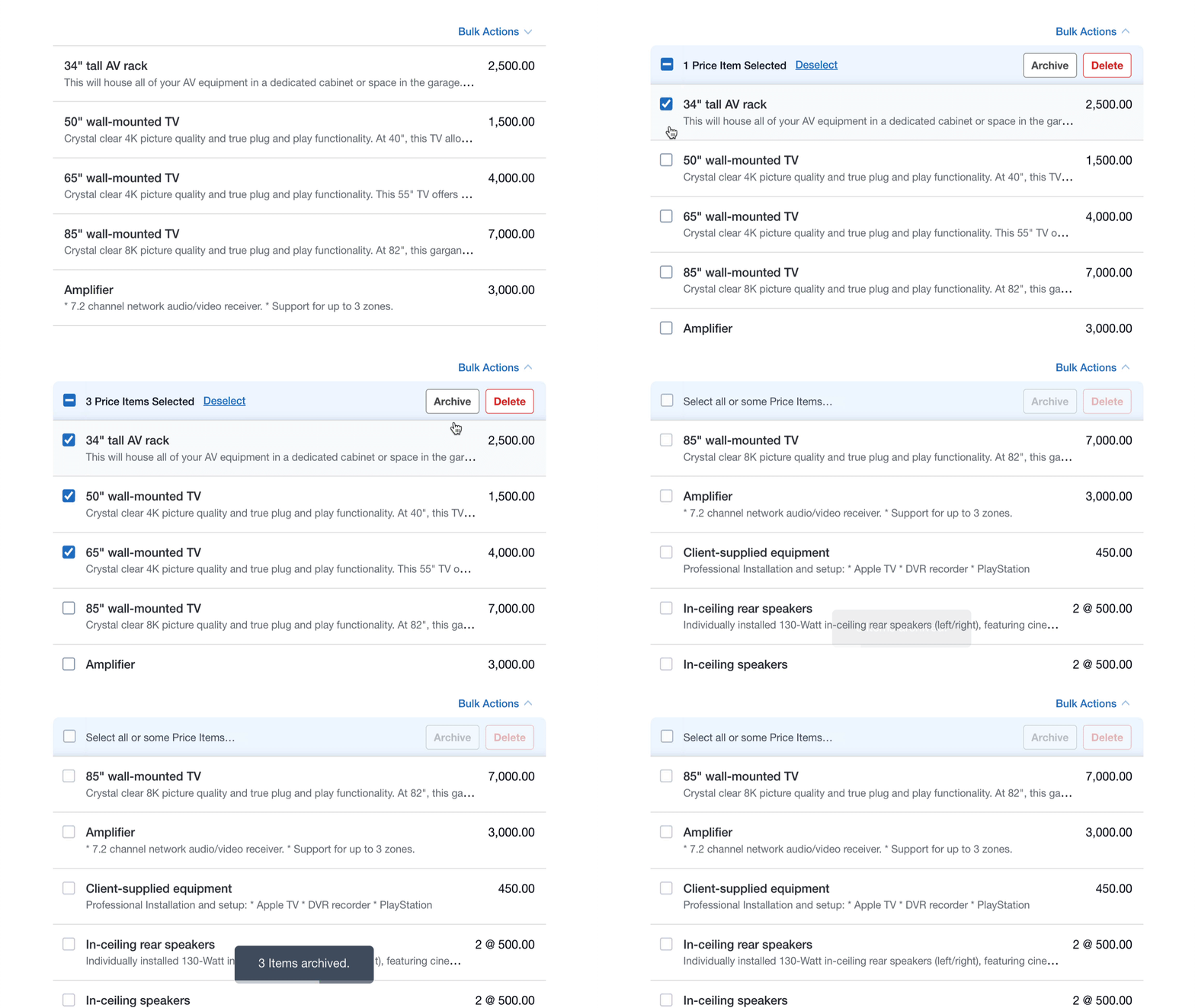
Bulk Actions Work With Filters
Bulk Actions are context-aware. The actions available depend on what you’re viewing and the filters currently applied.
For example:
- Complete Quotes only appears when viewing Accepted Quotes
- Set to Waiting appears when viewing Active Quotes
- Send Follow-ups appears when viewing Quotes due to be followed up
Adjusting your filters changes the actions available, so you can quickly perform the right updates for that set of records.
Bulk Actions are available now across Quotient. If you’d like to learn more about how Bulk Actions work, visit the Help Article…