
If you manage more than one Quotient account, keeping Templates & Items consistent can get messy fast. Pricing changes in one account but not another. Messaging drifts over time. Teams end up quoting from slightly different versions of the same content.
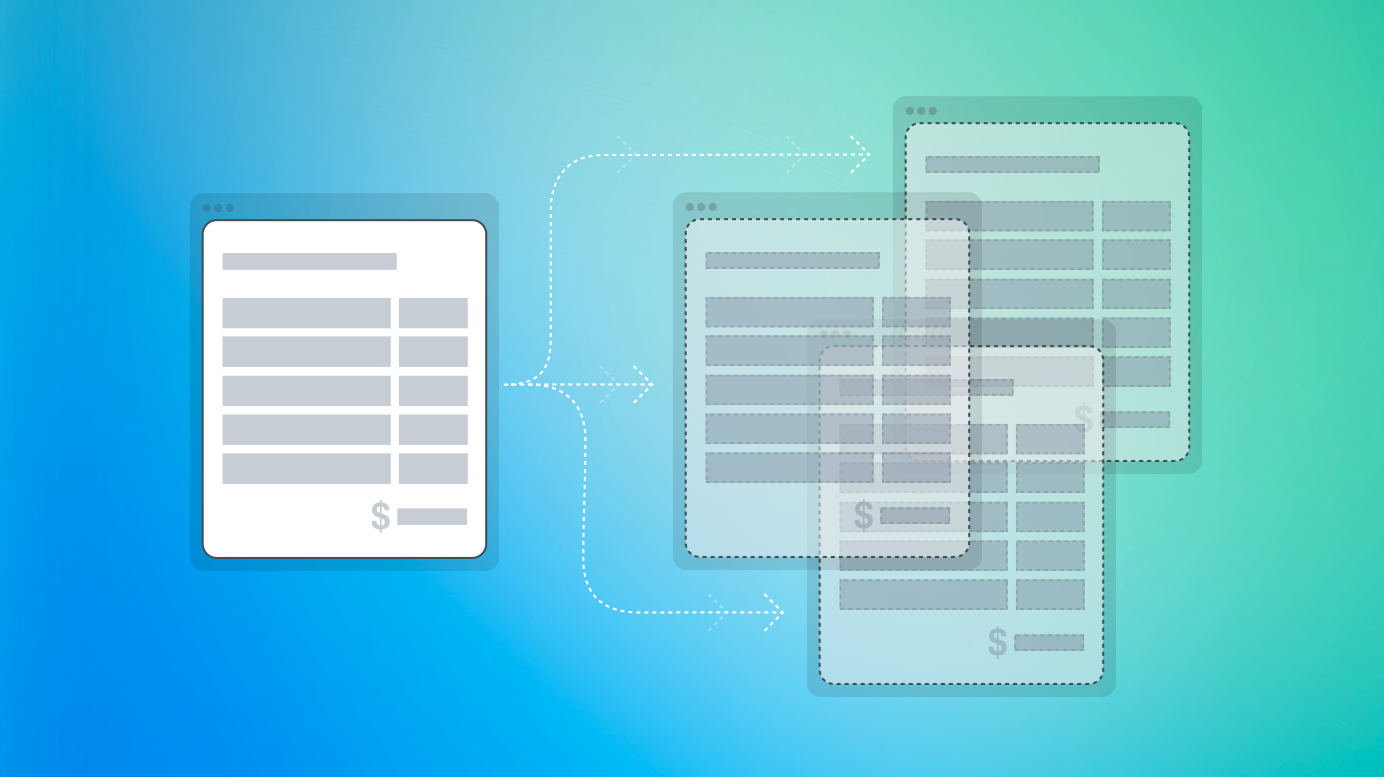
Sharing Templates & Items solves that by letting one Quotient account publish Templates & Items to other accounts. One account becomes the source of truth, while the others receive read-only copies they can use for quoting.
This is especially useful for businesses managing multiple brands, regional offices or franchise locations. You can keep core content aligned across accounts, while still giving each team the flexibility to work from a shared starting point.
One Source of Truth
There are two roles when it comes to sharing Templates & Items.
Source Account
This account holds the originals and controls when updates are published.
Recipient Account
This account receives read-only copies that can be used to create quotes.
If a team needs to customise something for their own workflow, they can make a local copy. That copy becomes independent and no longer receives updates from the Source account. Everyone wins: consistency where you need it and flexibility where you choose it.
Keep Teams Aligned
Here are the most common scenarios where sharing helps:
- Franchises and satellite offices quoting from a shared library of services
- Multi-region companies that want consistent descriptions and pricing
- Internal divisions with their own Quotient accounts but a shared product offering
- External partners who quote using your defined content
One central library ensures customers see the same information, pricing stays aligned and updates are controlled by the people responsible for them.
Before You Publish
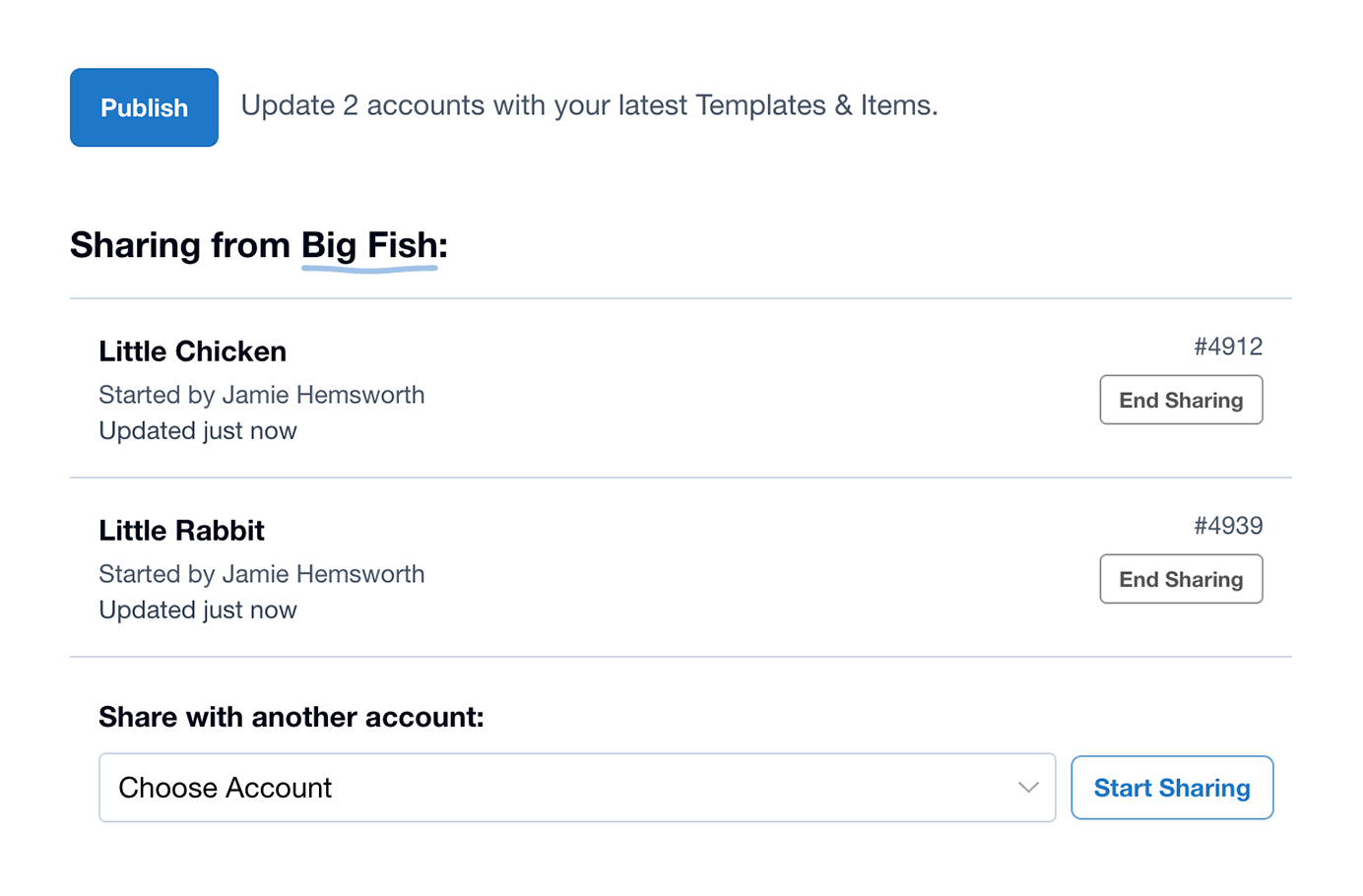
You can make all the changes you want in your Source account without affecting anyone else until you hit ‘Publish’. This allows you to refine content, test improvements and prepare pricing changes ahead of time.
Once published, every Recipient account receives the latest published updates to your Templates & Items.
If You Need to Stop Sharing
Sharing can be turned off from either side at any time. If the relationship ends, the Recipient can either:
- Keep independent copies to work from locally, or
- Remove the shared copies from their account completely
Either way, the library in each account stays tidy and duplication is avoided.
Start Sharing Across Accounts
If you are already working with multiple Quotient accounts, this feature will save you a huge amount of manual effort while strengthening consistency across your business.
For step-by-step instructions, visit the help article: Sharing Templates & Items.