Quote Versions
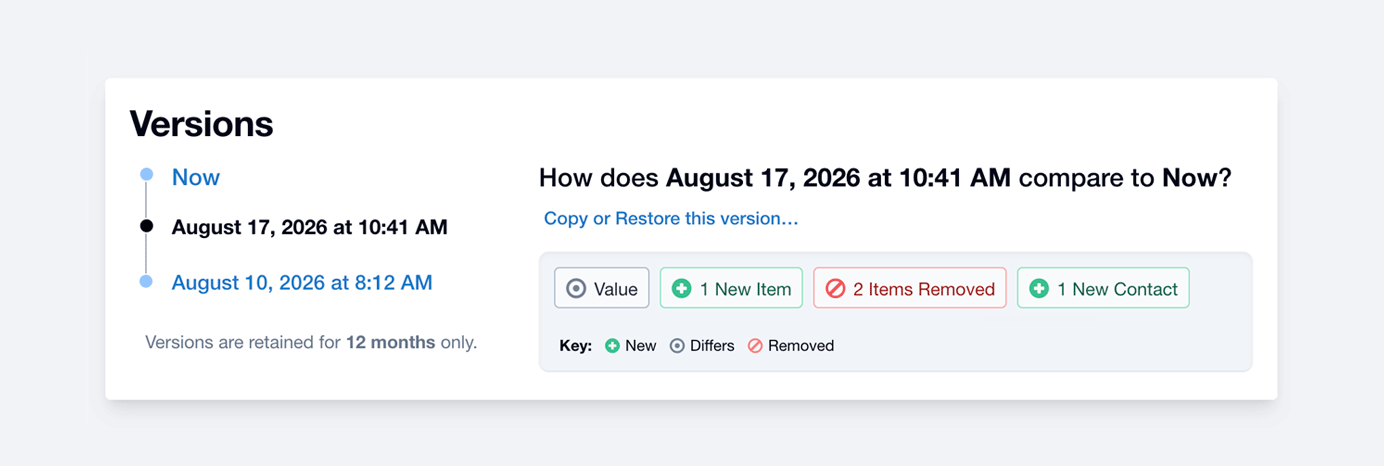
Quotes have versions automatically built in. Which means, if you make changes for your customer and then they change their mind, you can easily refer back to a past version and restore it if needed.
When are versions created?
A new version will get created whenever:
- You edit a Quote and take it offline (changing the status from ‘Sent’ to ‘Editing’).
- There’s a conflict, like when two people edit and save the same Quote at the same time.
- You restore a past version.
Versions are retained for 12 months.
How to find past versions
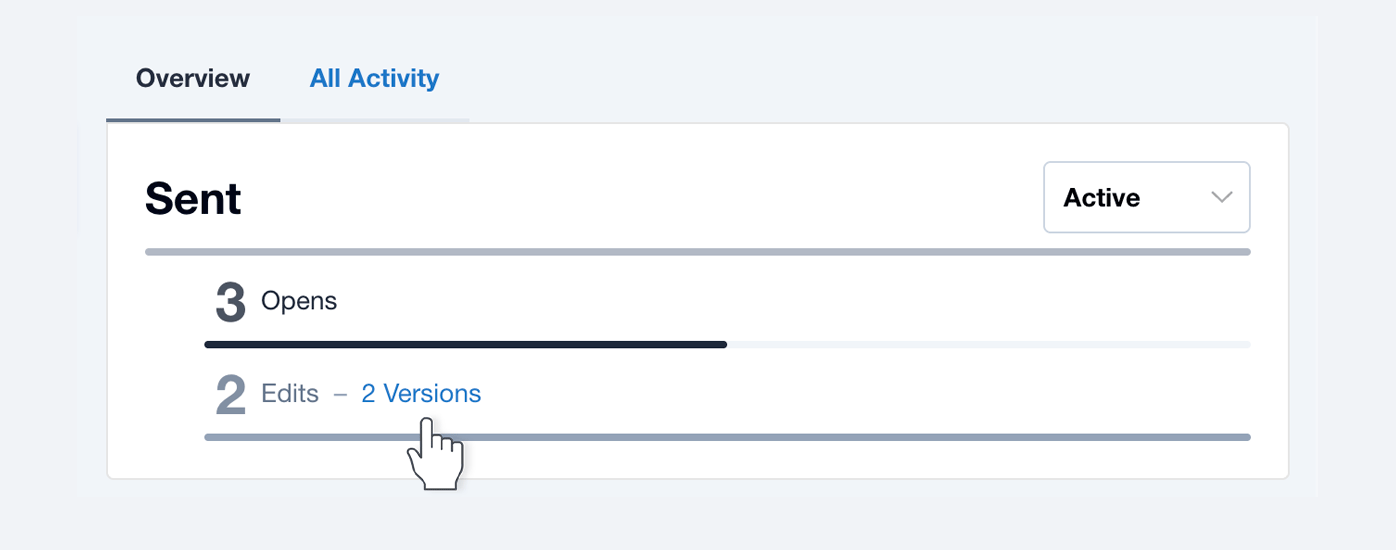
Under ‘Overview’, look for the ‘Version(s)’ link next to ‘Edit(s)’. It’ll show up only when versions have been created.
Comparing versions
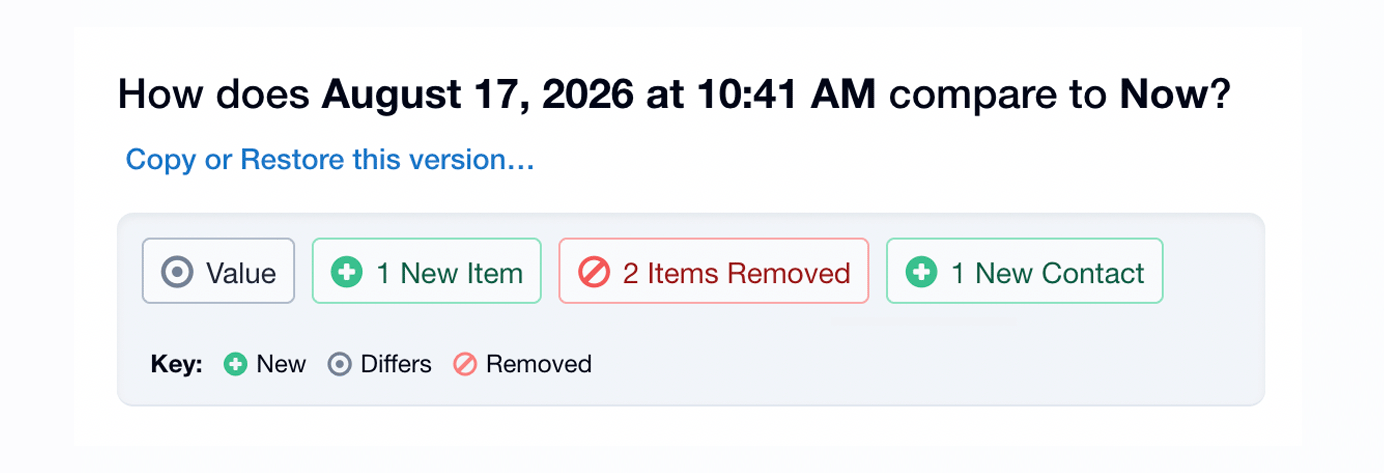
Key changes are highlighted so that you can see at a glance the sorts of things that have changed. You can drill down and compare your current version (‘Now’) to any past version.
Copying …or… restoring past versions
Copy to New is a great option if you wish to keep your customer’s current Quote intact. Things to note:
- Items and Settings will be restored.
- Contacts will not be affected (not restored).
Restore & Replace allows you to restore a past version and replace it with the current (‘Now’) version. Things to note when restoring:
- Items and Settings will be restored.
- Contacts, Comments, and Private Notes will not be affected.
- The Quote will move to Editing and offline to the customer, until you send it again.
- A version of Now will be saved before being replaced.
- Only Quotes with the Sent or Editing status can be restored.