Questions & Answers and Comments on Quotes
Questions & Answers
A customer can ask a Question directly on a Quote. You can reply inline, keeping the conversation in one place.
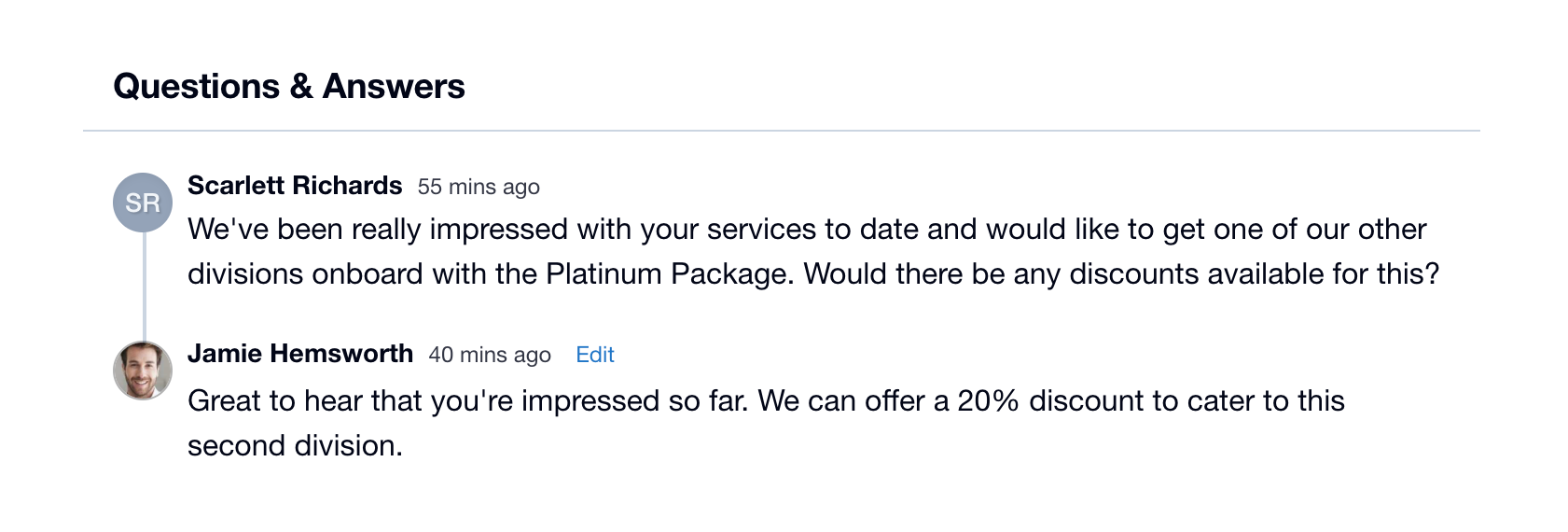
When a customer asks a Question, you’ll be prompted to answer, with an Email Notification and a Dashboard Message, which will persist until you either answer the Question or mark it as ‘No Answer Needed’.
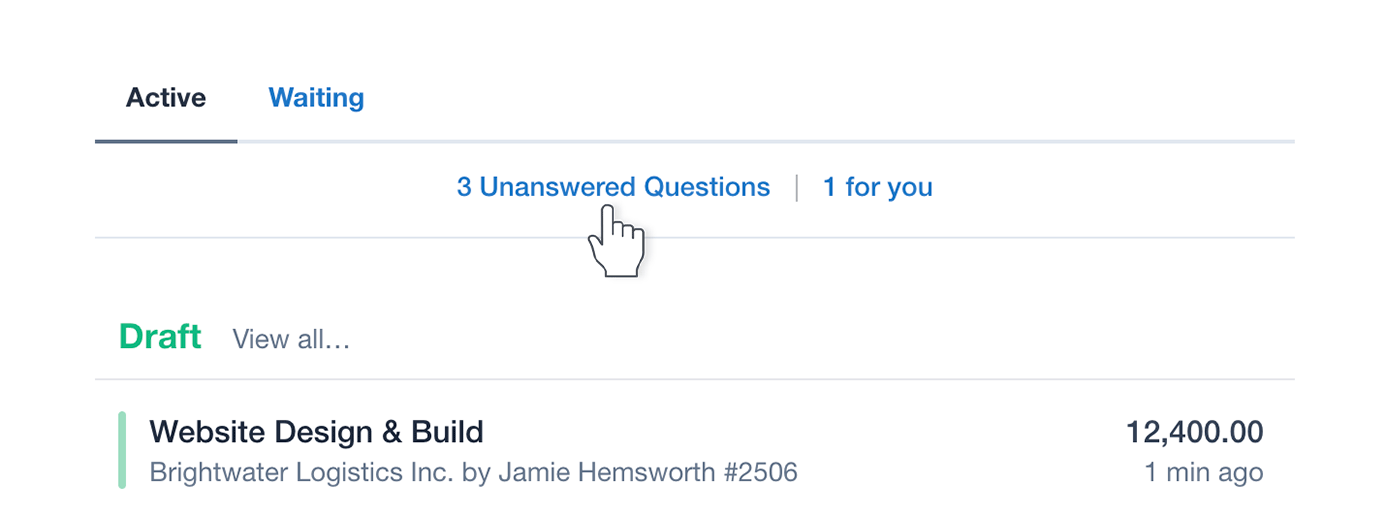
All Unanswered Questions for your account appear as a notice and count on the top left of the Dashboard, along with a count of your individual Unanswered Questions.
Comments
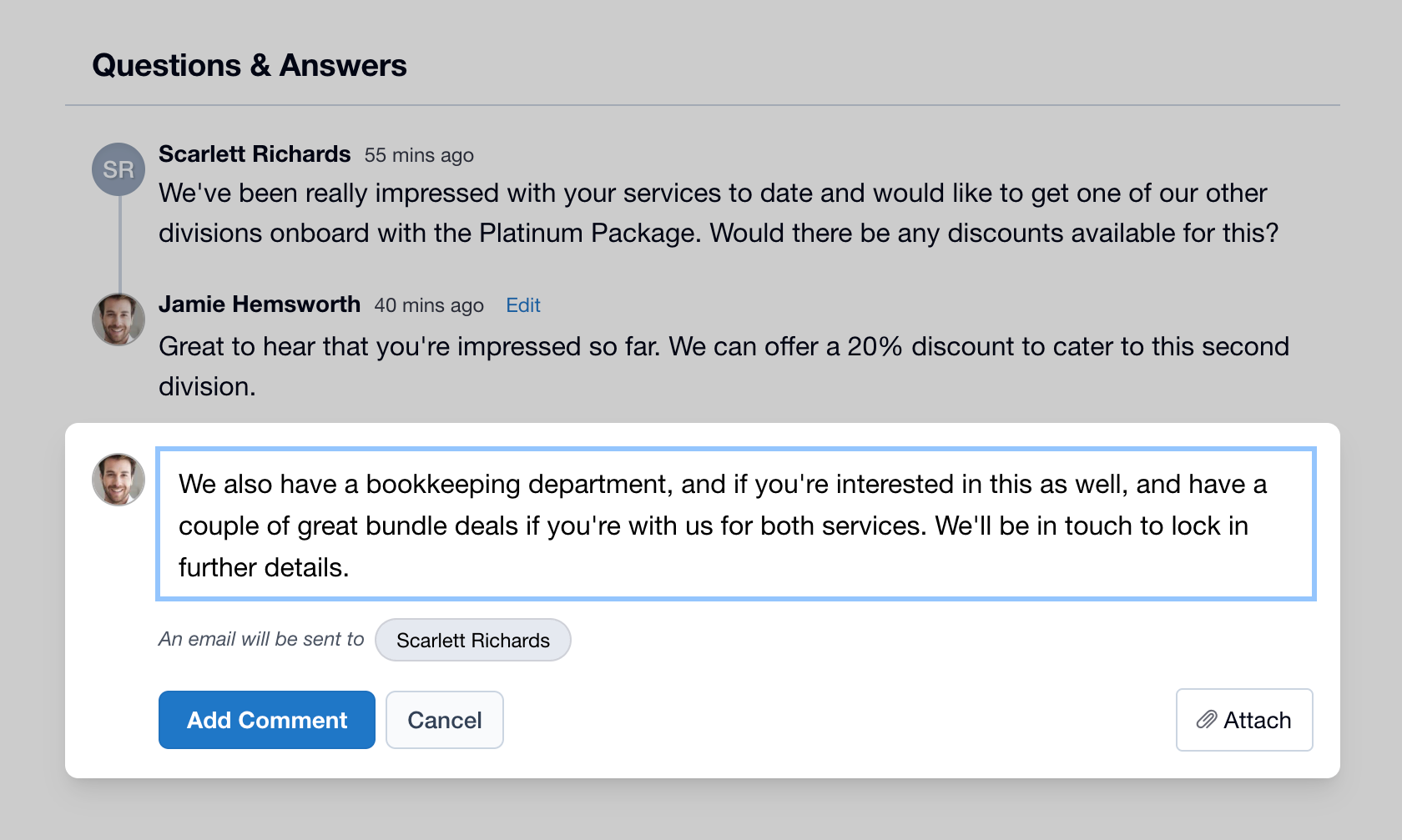
You can add a Comment to a Quote and your customer will receive an Email Notification containing the Comment and a link to view the Quote.
Files and Images
You can attach files and images to any Comment or Answer. Quote recipients can also add attachments when asking a Question.
Simply drag and drop your file or image onto the Comment/Answer box, or hit the ‘Attach’ button, then browse for your files or images.