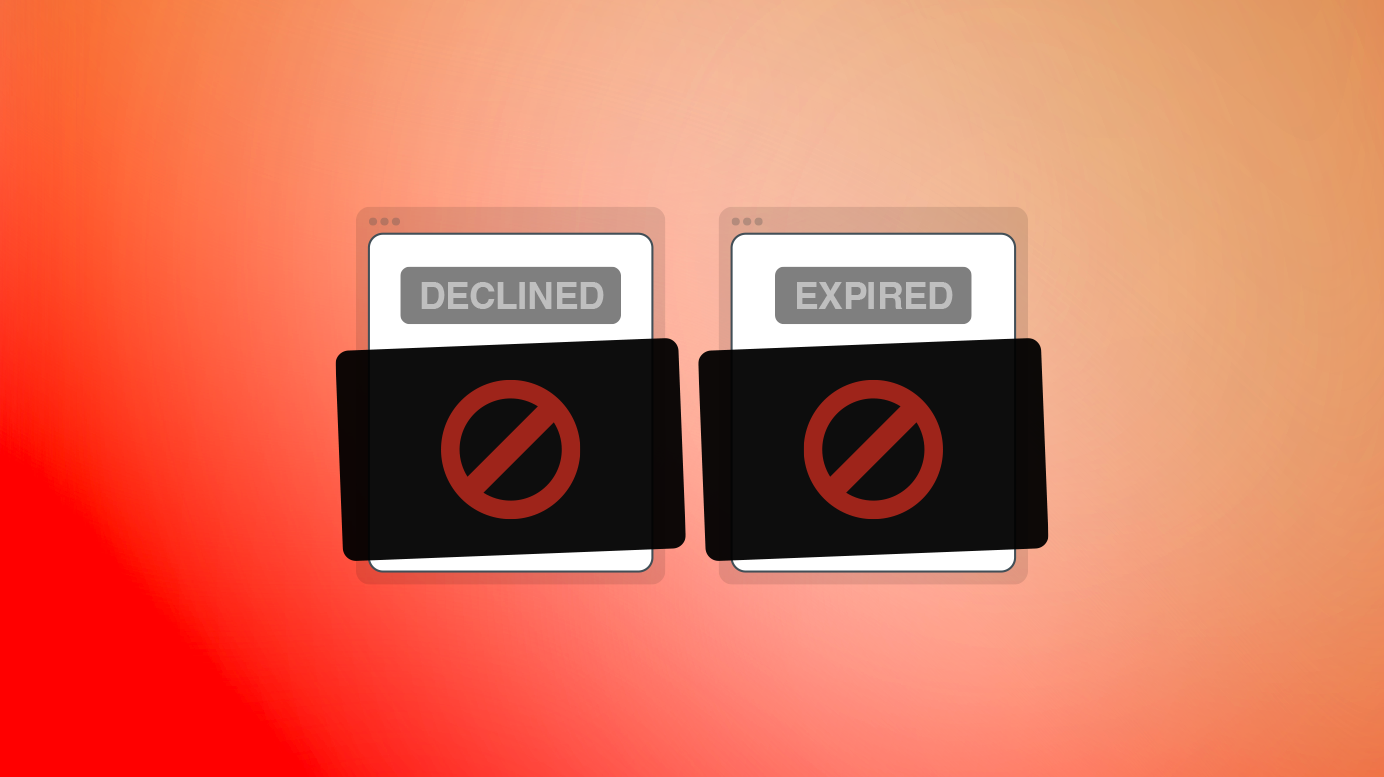
We’ve added a simple but powerful new control to help protect your hard work: you can now choose whether customers can view Declined or Expired Quotes.
Previously, these Quotes stayed accessible, which sometimes meant that “tire kickers”, who never intended to proceed, would come back later and share your carefully crafted Quote with a competitor.
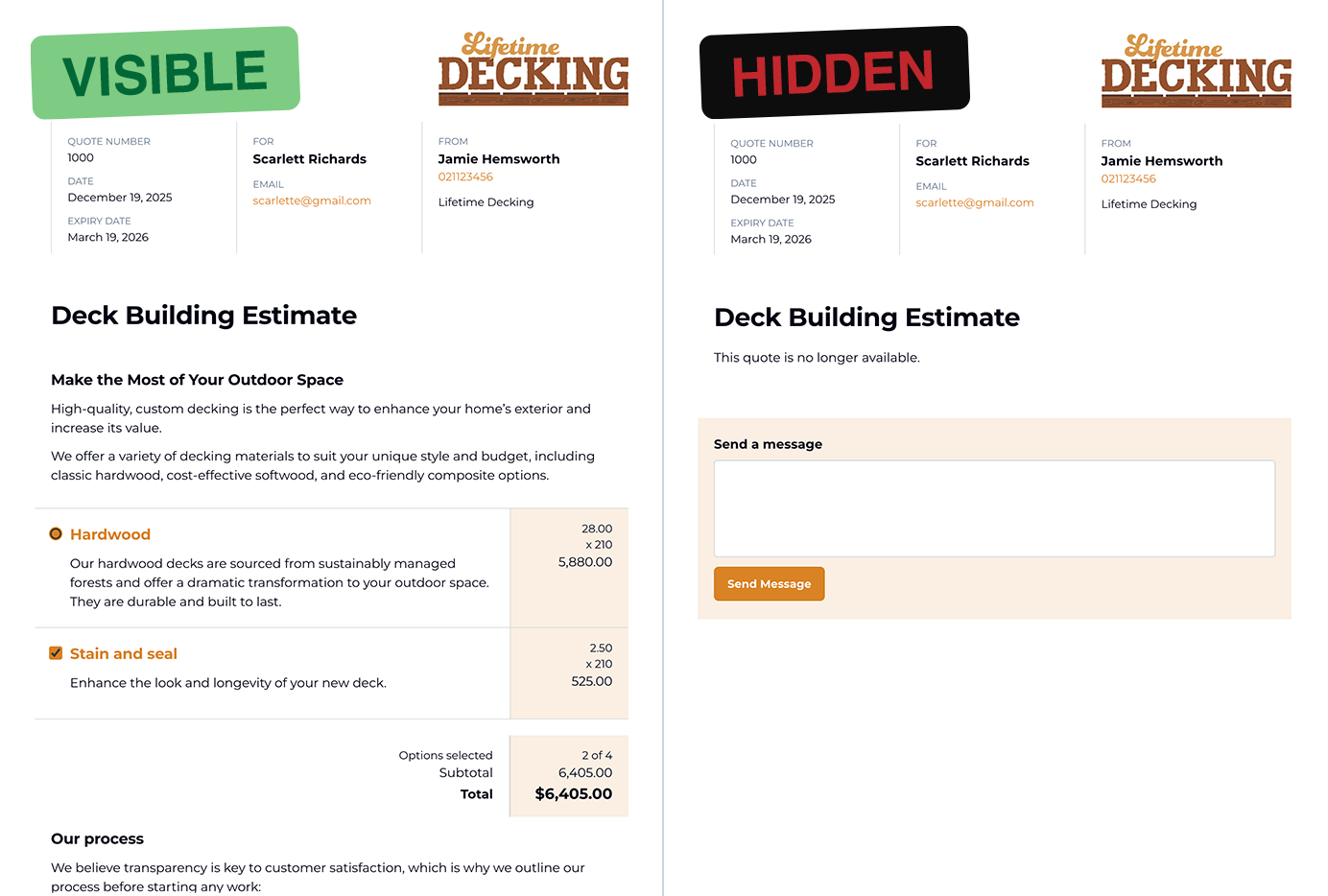
With this update, you can automatically hide Declined or Expired Quotes from the customer view. It’s a small change that can make a big difference – especially if you work in a competitive industry or share sensitive pricing. Genuine customers can still reach out, because the ability to send a message remains available, even when visibility is restricted.
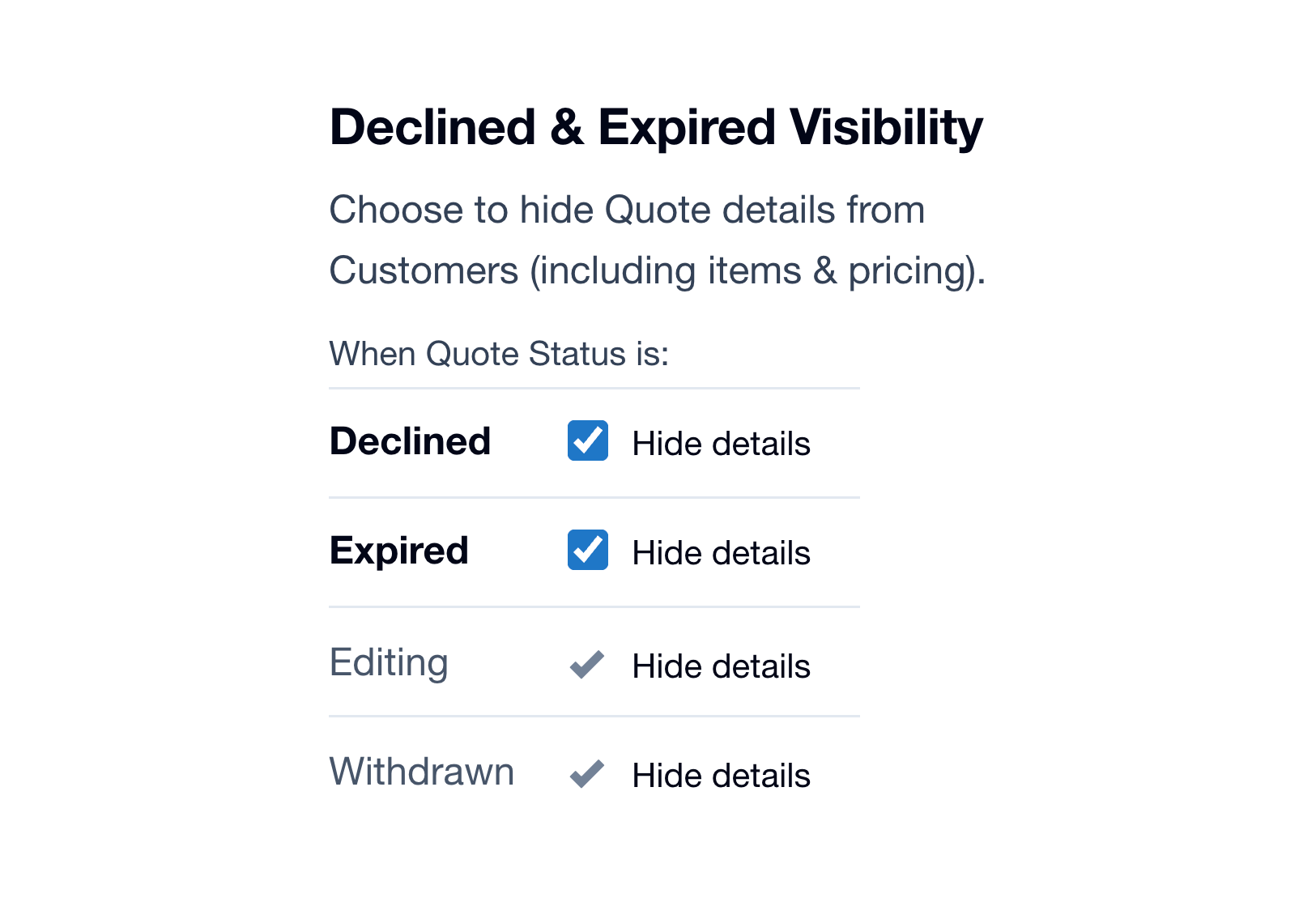
By default, Declined and Expired Quotes remain visible and online just as before. But now you’re in control. Head to Account Settings → Quote Defaults to manage these options at the account level and set the visibility rules that best suit your workflow.